Barcode Generation, Scanning & Auto Report Linking
SmartCarePlus incorporates advanced barcode generation and scanning capabilities to streamline lab operations and enhance accuracy. Each sample gets a unique barcode with mobile scanning support and automatic report linking.
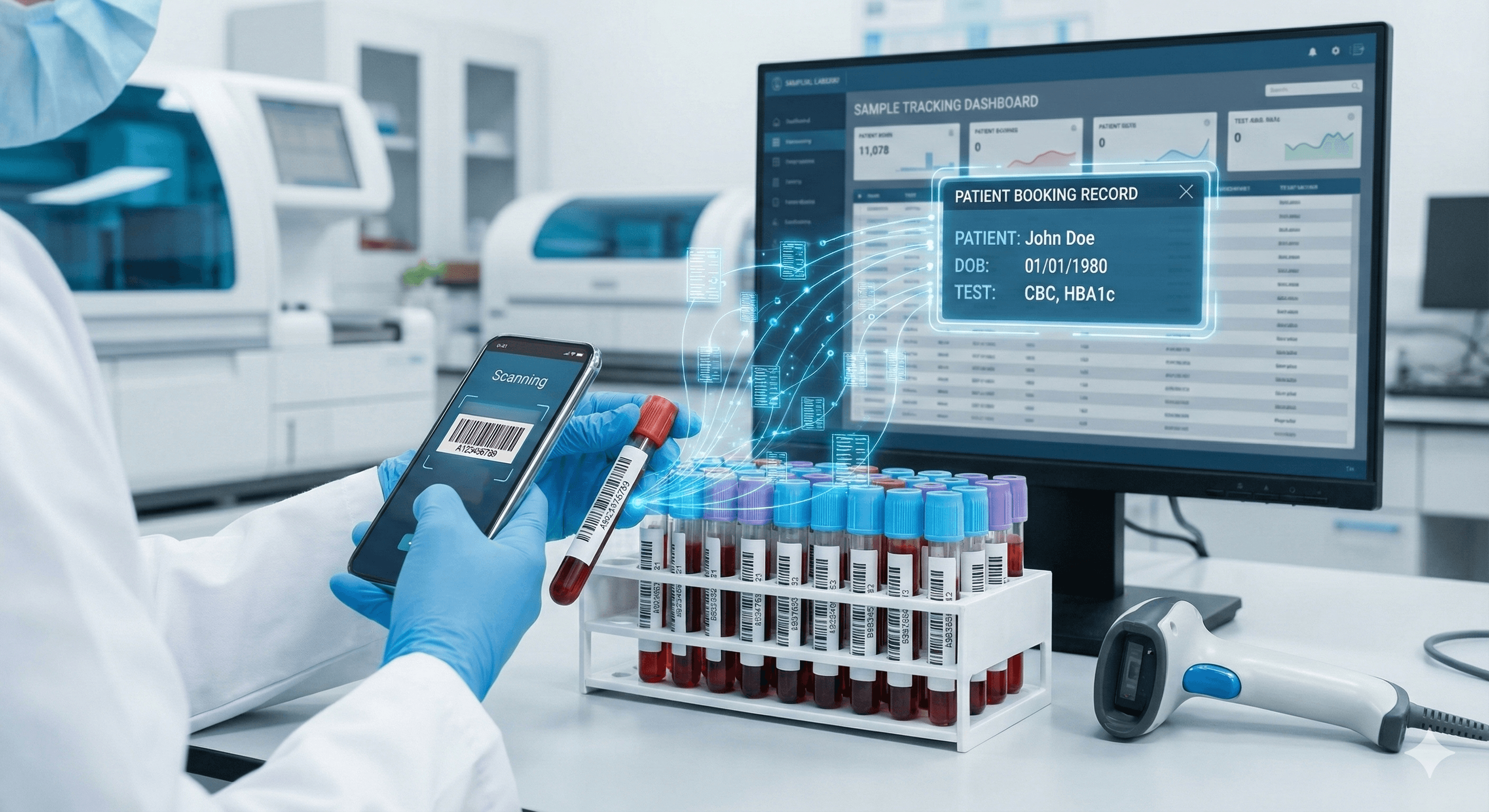
Why Barcode Tracking Matters
Manual sample tracking leads to errors and inefficiencies
Sample mix-ups and errors
Manual labeling and tracking increases the risk of misidentifying samples
Difficult traceability
Hard to track sample journey from collection to analysis to reporting
Manual report matching
Time-consuming process to match test results with correct patient bookings
Lack of mobile flexibility
Traditional scanners are bulky and limited to fixed locations
How It Works
Seamless barcode workflow from sample collection to reporting
Generate unique barcode for each sample
SmartCarePlus automatically creates a unique barcode for each sample at the time of booking
Print or use pre-printed labels
Print barcodes on-demand with your printer, or buy pre-printed barcode stickers from any supplier
Scan with mobile app or scanner
Use our mobile app to scan barcodes with your smartphone camera, or use a dedicated barcode scanner
Track throughout testing process
Scan barcodes at each stage: sample collection, processing, analysis, and quality control
Auto-link results to booking
When results are ready, SmartCarePlus automatically links them to the correct booking using the barcode
Key Benefits
Eliminate errors and improve efficiency
Accuracy
Eliminate sample mix-ups and errors
Mobile Scanning
Scan with any smartphone camera
Traceability
Track samples at every stage
Pre-printed Labels
Use labels from any supplier
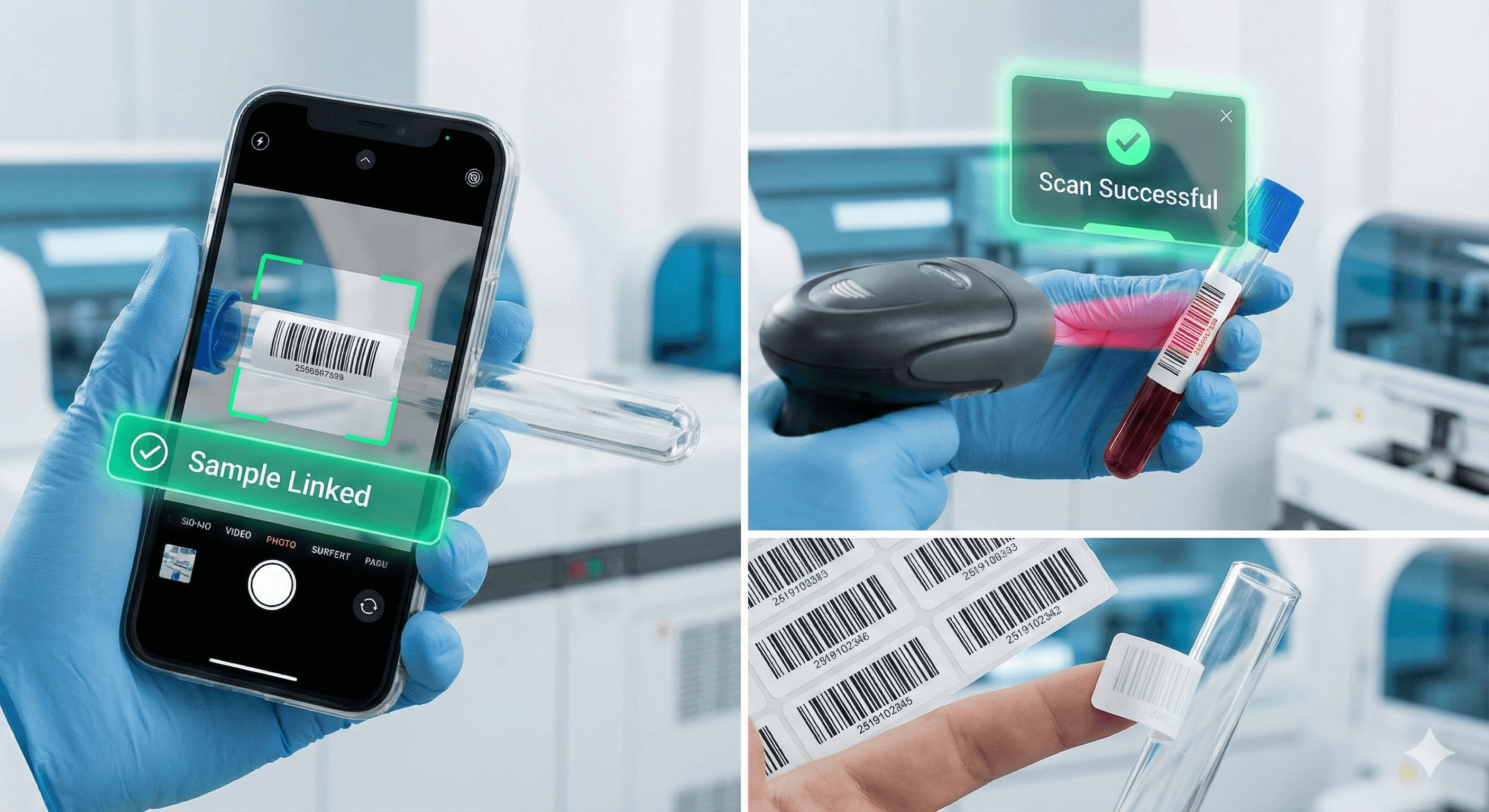
Mobile Barcode Scanning
Use your smartphone as a barcode scanner with our full-functional mobile app. No need to purchase expensive dedicated scanners—just point your camera and scan. This gives your team the flexibility to scan samples anywhere in the lab.
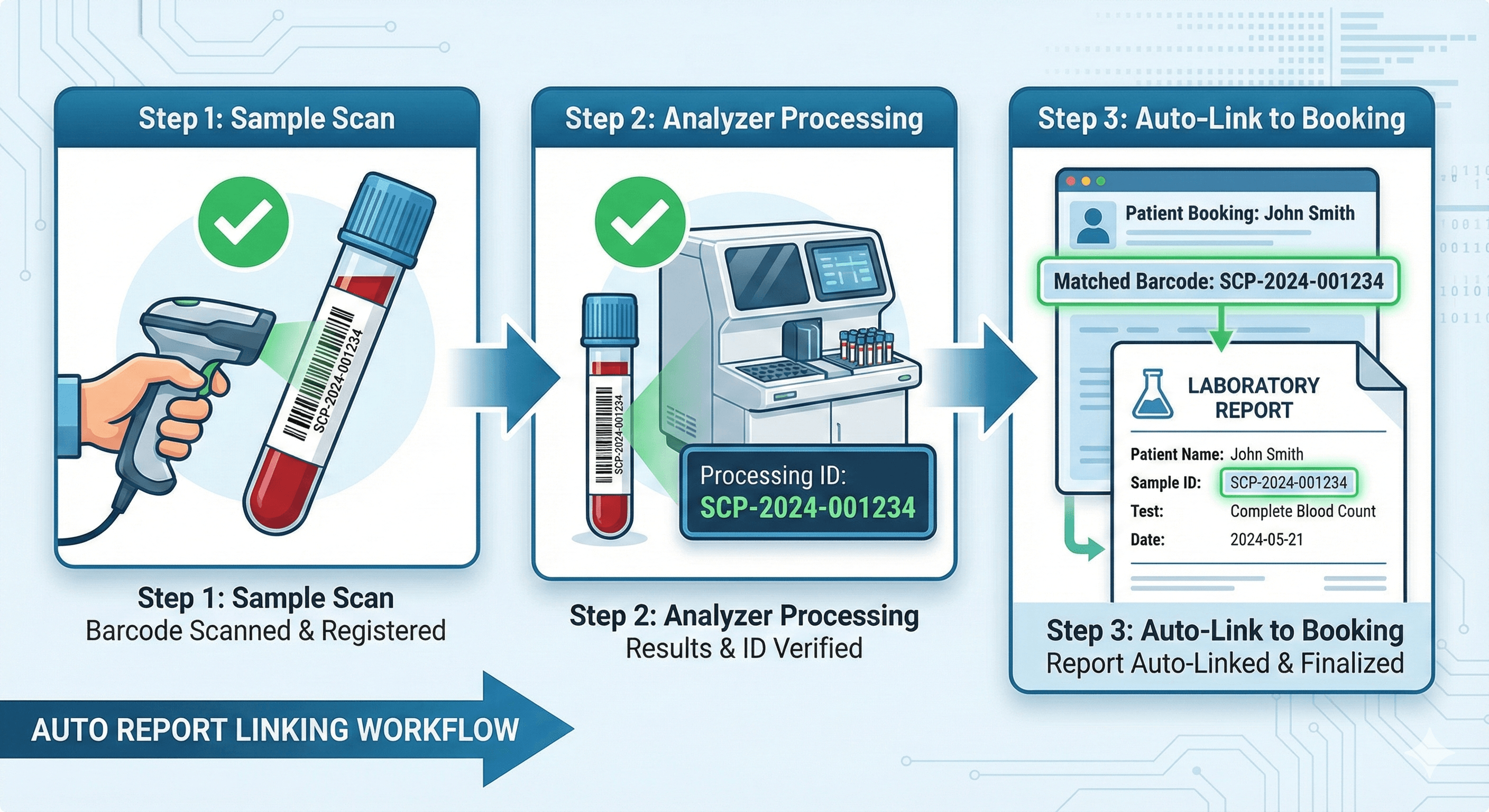
Pre-Printed Labels & Auto Report Linking
Don't have a printer? Buy pre-printed barcode sticker labels from anywhere and use them with SmartCarePlus. When labeling a sample, scan the barcode to link it to the booking. Once results are ready, the system automatically matches and generates reports.
Frequently Asked Questions
Common questions about barcode tracking
What if we don't have a barcode scanner?
No problem! You can use our full-functional mobile app to scan barcodes using your smartphone camera. This works just as well as a dedicated scanner and gives your team flexibility to scan samples anywhere in the lab.
Can we use pre-printed barcode labels?
Yes! If you don't have a printer, you can buy pre-printed barcode sticker labels from anywhere you prefer. When labeling the sample, simply scan the barcode via our mobile app to link the sample to the booking.
How does auto report linking work?
Once test results are ready, SmartCarePlus automatically links the results to the corresponding booking using the scanned barcode. This ensures accurate report generation and delivery without manual matching or data entry.
Ready to Eliminate Sample Tracking Errors?
Experience accurate, efficient barcode tracking for your lab