Workflow 01
Save and revisit a health document
Keep selected source documents available for personal reference.
- Stage 1
Choose the record type
- Stage 2
Add document details
- Stage 3
Open it again when needed
For individuals and families
Keep personal health information organized across distinct record types, and explore the patient-facing workflows that connect people with care services.
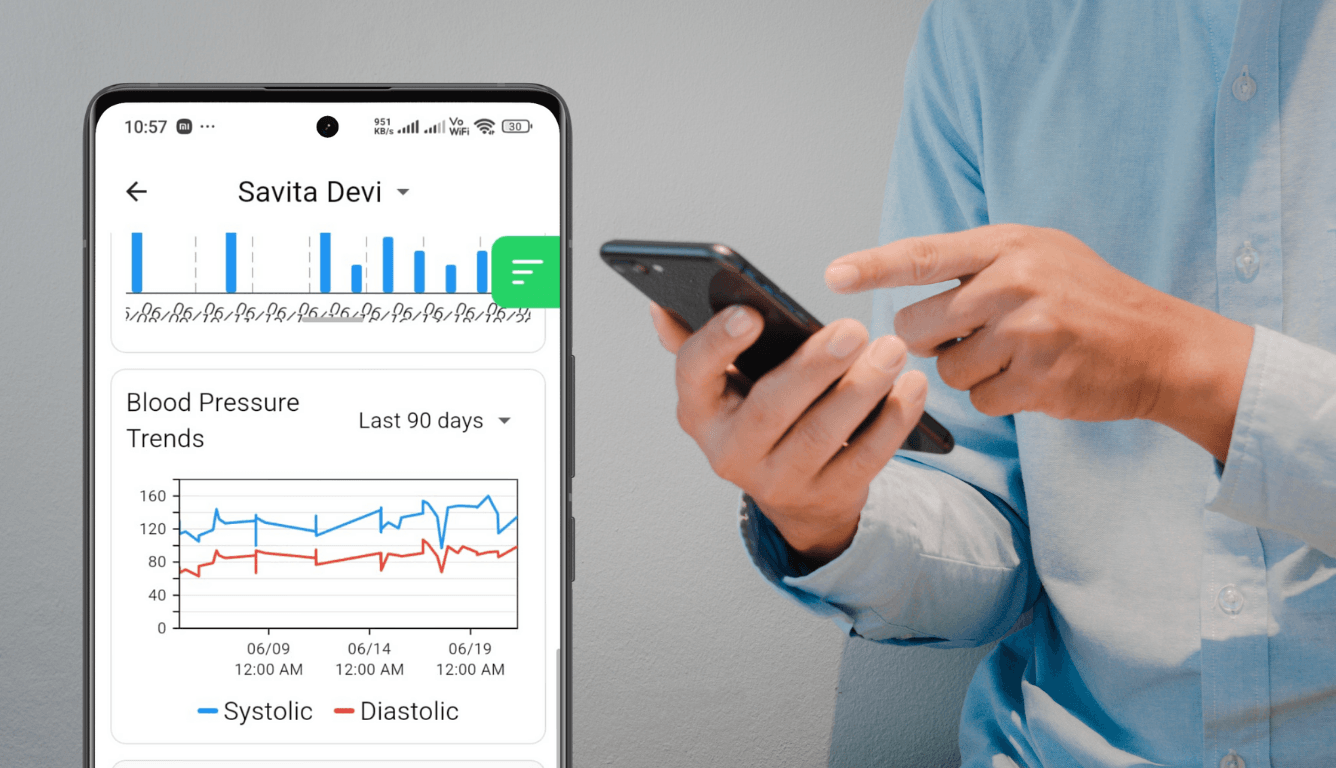
A quick overview
Personal records help an individual keep selected documents, measurements, medication logs and wellbeing entries together. Each type has a dedicated explanation, so a diagnostic report is not confused with a personal measurement or a medicine intake log. These personal records remain distinct from information maintained by a clinic or hospital.
Personal records support organization and recall. They do not replace a provider's source record or professional advice.
Workflows
Each workflow below is a practical route through related capabilities. Exact steps and availability depend on the configured product and operating process.
Workflow 01
Keep selected source documents available for personal reference.
Choose the record type
Add document details
Open it again when needed
Workflow 02
Organize report information while keeping its source and status clear.
Add the report record
Review its available details
Refer to the original provider copy
Workflow 03
Use supported reminders and medication logs for personal organization.
Set up the reminder
Record or review intake
Discuss questions with a clinician or pharmacist
Workflow 04
Bring together selected information that may be useful to discuss with a professional.
Select relevant record types
Review dates and source material
Share or present only where authorized
Explore capabilities
Open a dedicated page for the record or service that matters to you.
Understand the collection of personal documents, measurements, medication and wellness records.
Explore this capabilityKeep report records identifiable as diagnostic documents within a personal collection.
Explore this capabilityReview supported reminder workflows and the associated personal medication logs.
Explore this capabilityExplore how people can locate diagnostic services through the platform.
Explore this capabilityHow it works
Follow the responsibilities, work and handoffs across the roles involved. The exact steps depend on the facility, enabled modules and its operating procedures.
What this walkthrough explains
Who typically starts each stage, what work happens there, and what information or responsibility moves to the next person.
Individual
Stage 1 of 5Select a record type such as a document, diagnostic report, measurement, prescription record or wellbeing entry. Add information that is relevant to your personal record keeping.
Handoff to the next stage
The saved entry remains a personal record; it does not replace the source document or a facility record.
Individual
Stage 2 of 5Use the fields available for that record type, including dates and source details where supported. Keep the original document or provider information available for important decisions.
Handoff to the next stage
If a field or source is unclear, verify it against the original provider or document.
Individual or authorized caregiver
Stage 3 of 5Return to the record to find details for personal reference. A caregiver's access depends on account permissions and applicable authorization, not simply on a family relationship.
Handoff to the next stage
Only authorized information should be shared with another person.
Individual
Stage 4 of 5Choose the records that may help explain a question or history to a clinician. Check dates, context and source before relying on a saved copy.
Handoff to the next stage
The clinician remains responsible for interpreting information in the care context.
Healthcare professional
Stage 5 of 5Use the appropriate professional workflow to assess current information. A personal copy does not verify a prescription, diagnosis or treatment status.
Handoff to the next stage
Clinical action stays within the provider's authorized workflow.
Who this is for
Common questions
No. Personal records are kept for the individual's use. Facility patient records are maintained by an organization for its authorized care workflows.
A saved personal record is not automatically verified against its source. Check important details with the responsible provider or original document.
Only where the account and applicable consent or authorization rules permit access. A family relationship alone does not create access.
Use cases
Understand how personal health information may support a visit while remaining distinct from facility records.
Next step
Share the teams, processes and capabilities you want to discuss. SmartCarePlus can help identify relevant product areas and confirm their current availability.
© Smart Code Junction Infinity Private Limited | CIN: U62099UP2025PTC230480 | All rights reserved. | Built with 💚 in India.