India
Our international presence
Diagnostics software built for Indian labs.
From neighbourhood diagnostic centres to clinics and nursing homes, SmartCarePlus brings bookings, laboratory operations, patient records and imaging into one connected workflow.
- Facilities live
- 5
- States covered
- 3
- Health records connected
- ABDM
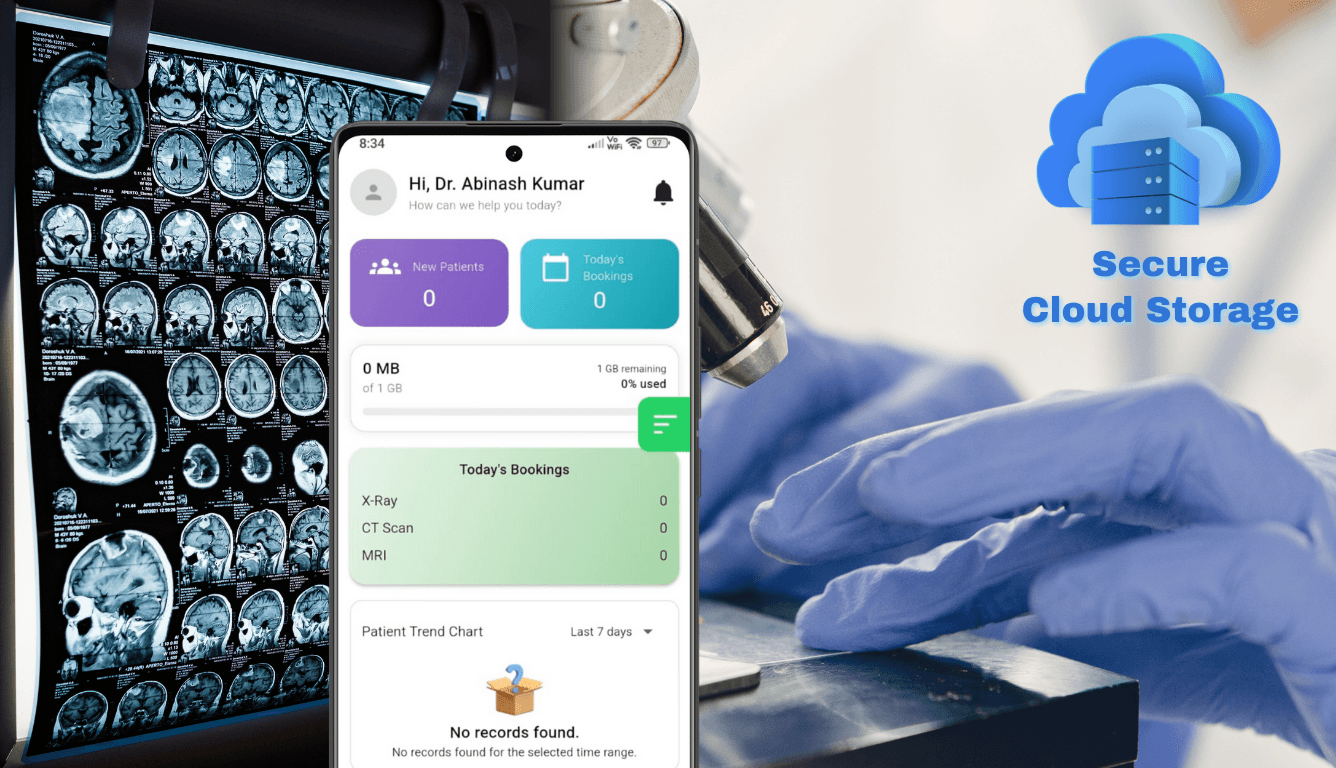
Local teams. Connected care.
- Patient access and facility profiles
- Laboratory operations and reporting
- ABDM identity, consent and health records
Our presence in India
Meet the facilities using SmartCarePlus.
Explore the public profiles of these healthcare teams in India.
India
India
India
India
One platform for the work behind every report.
Explore SmartCarePlus capabilities for your facility in India. Choose the workflows your team needs as part of onboarding.
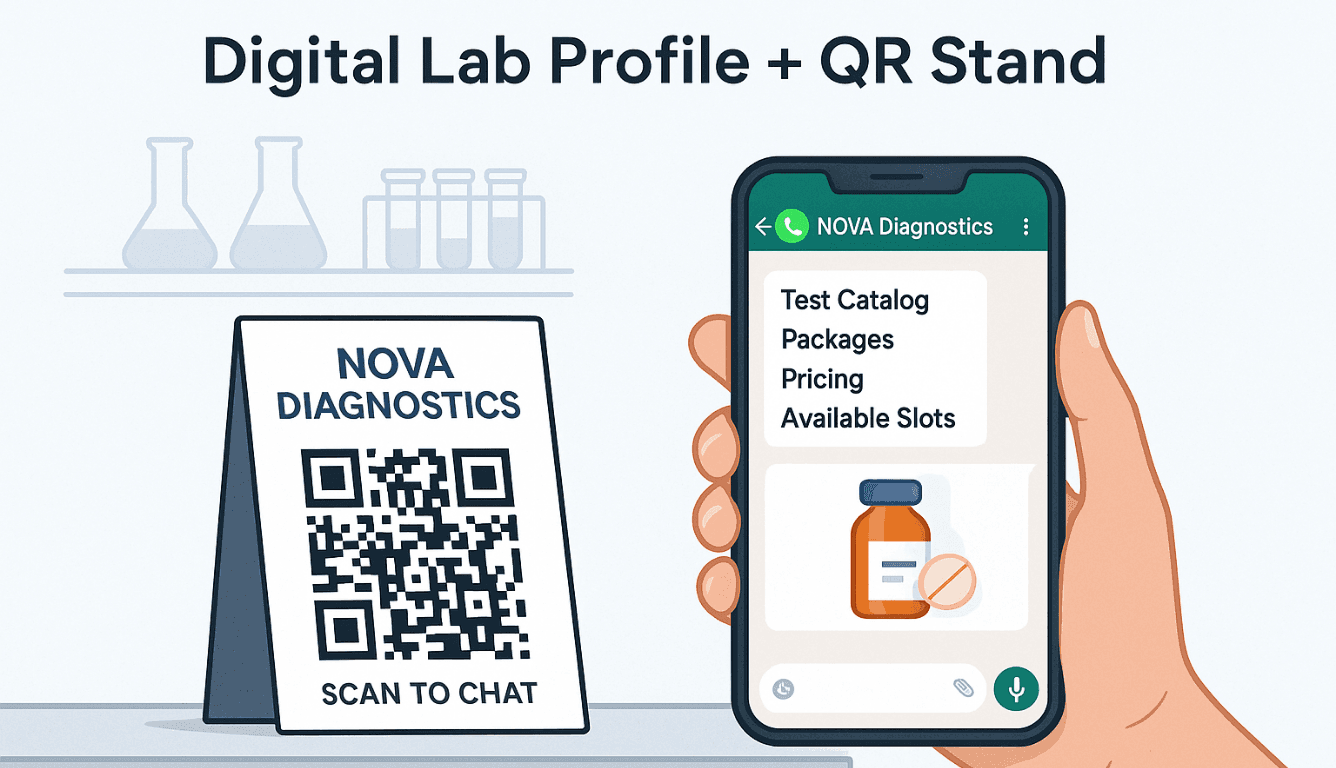
Digital profiles & test catalogues
Give patients a public facility page with your tests, packages and service information. QR codes make it easier to reach your digital profile.
Explore digital profiles & test cataloguesBookings & patient management
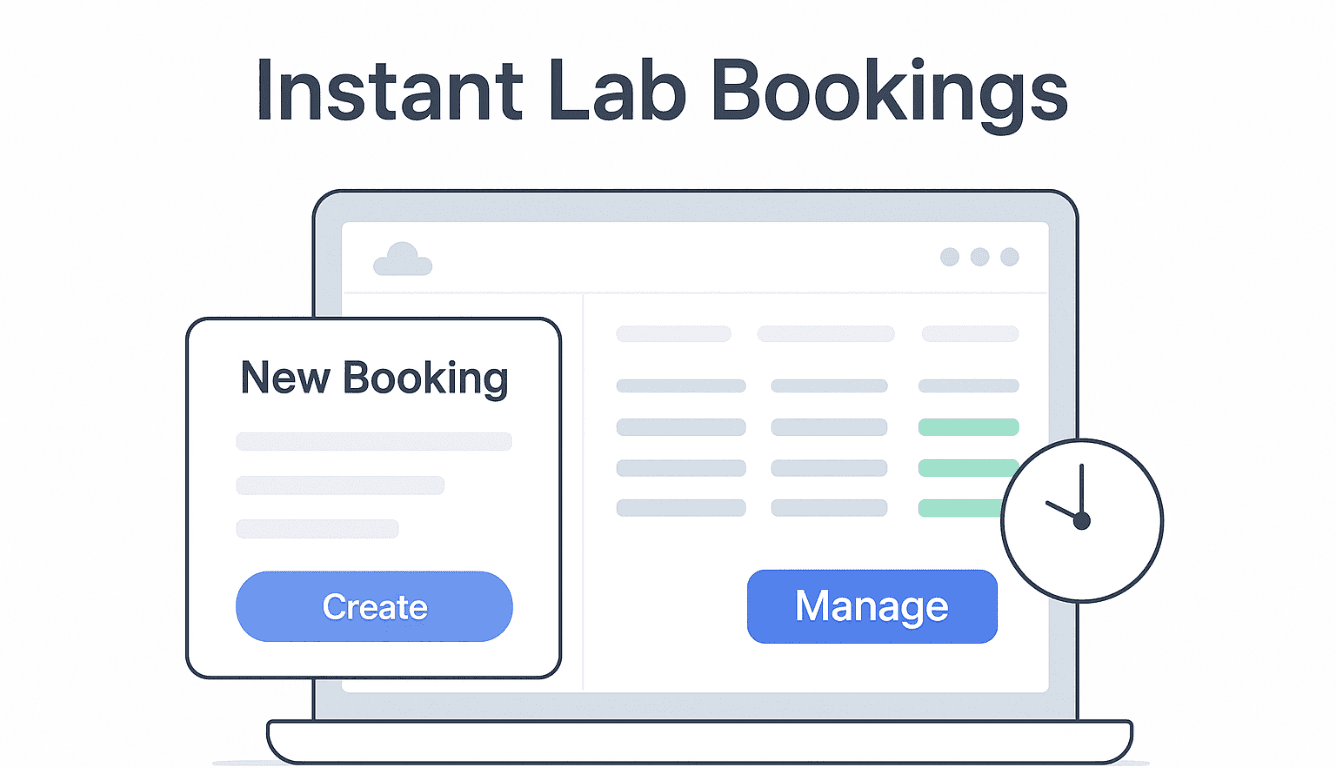
Create bookings, organise patient details and keep the requested tests connected to each visit. Teams can follow the work from registration to reporting.
Explore bookings & patient management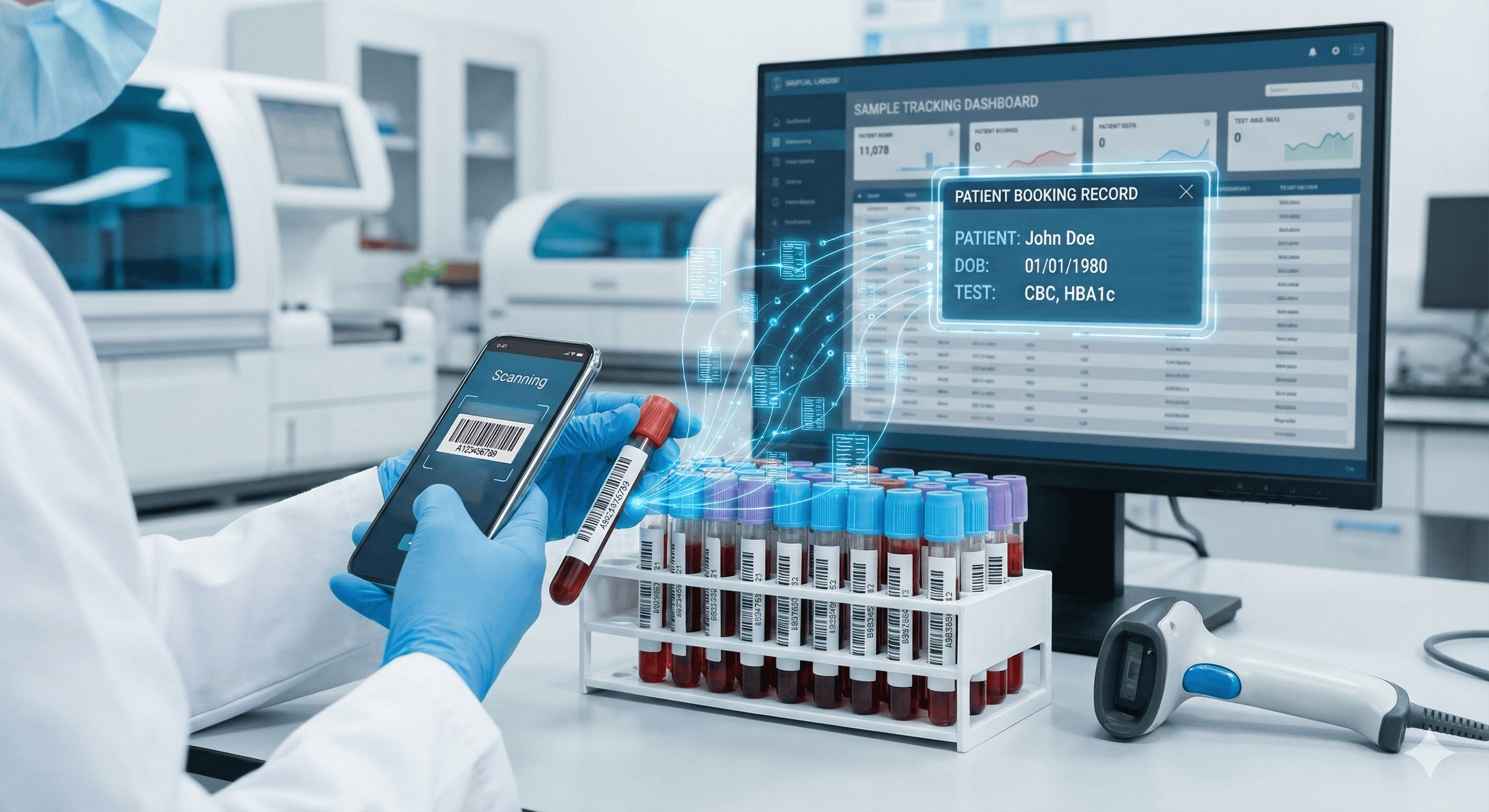
Sample barcodes & tracking
Generate sample barcodes and use scanning to identify samples through the testing workflow, keeping specimens connected to their bookings.
Explore sample barcodes & tracking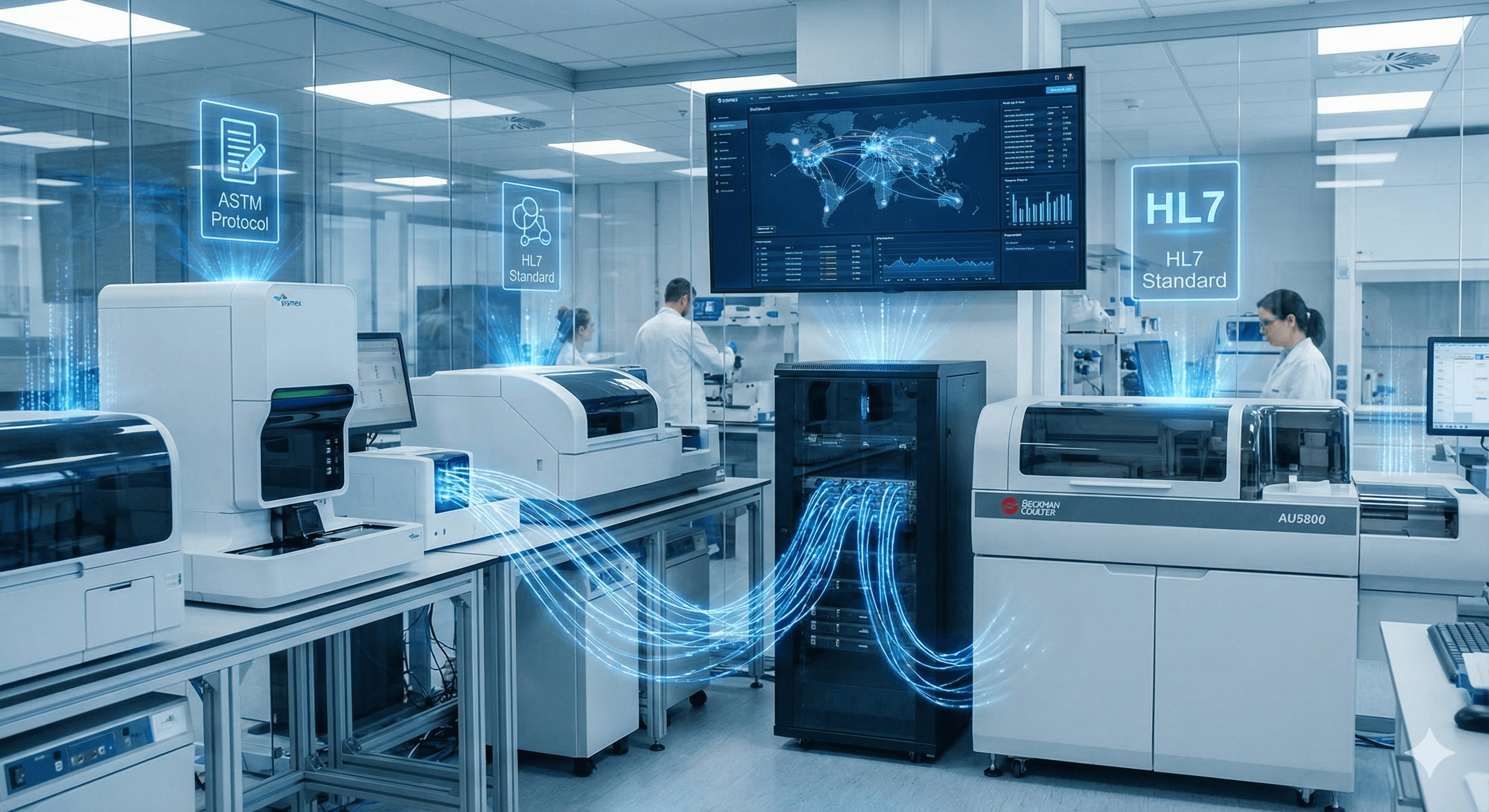
Analyzer integration
Connect supported laboratory analyzers through the SmartCarePlus Connector and bring instrument results into the lab workflow. Review compatibility with your equipment during setup.
Explore analyzer integration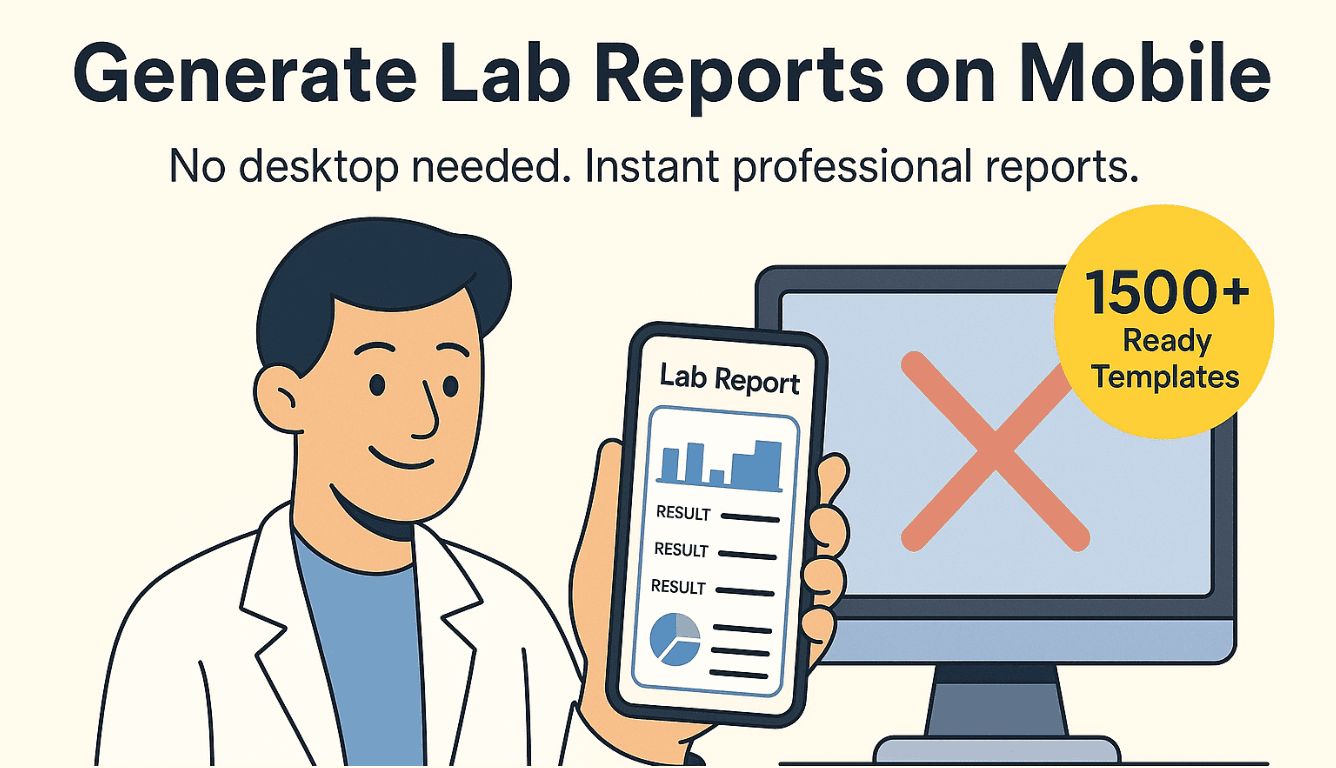
Report templates
Prepare reports with reusable templates, test fields, units and reference ranges. Keep your facility’s reporting format consistent across your team.
Explore report templates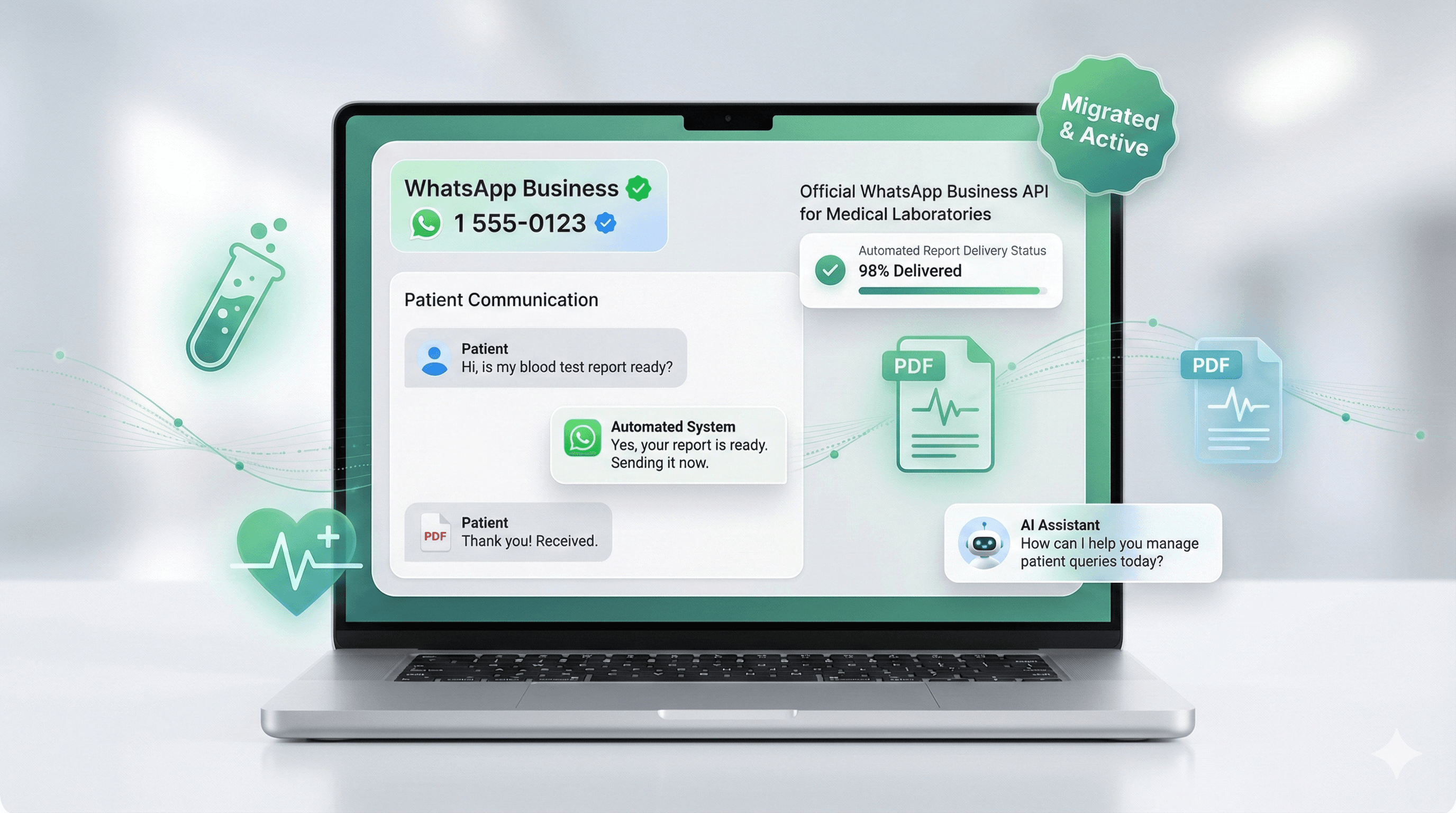
WhatsApp patient communication
Keep patients informed through supported WhatsApp notifications and report delivery workflows, alongside access through the platform.
Explore whatsapp patient communication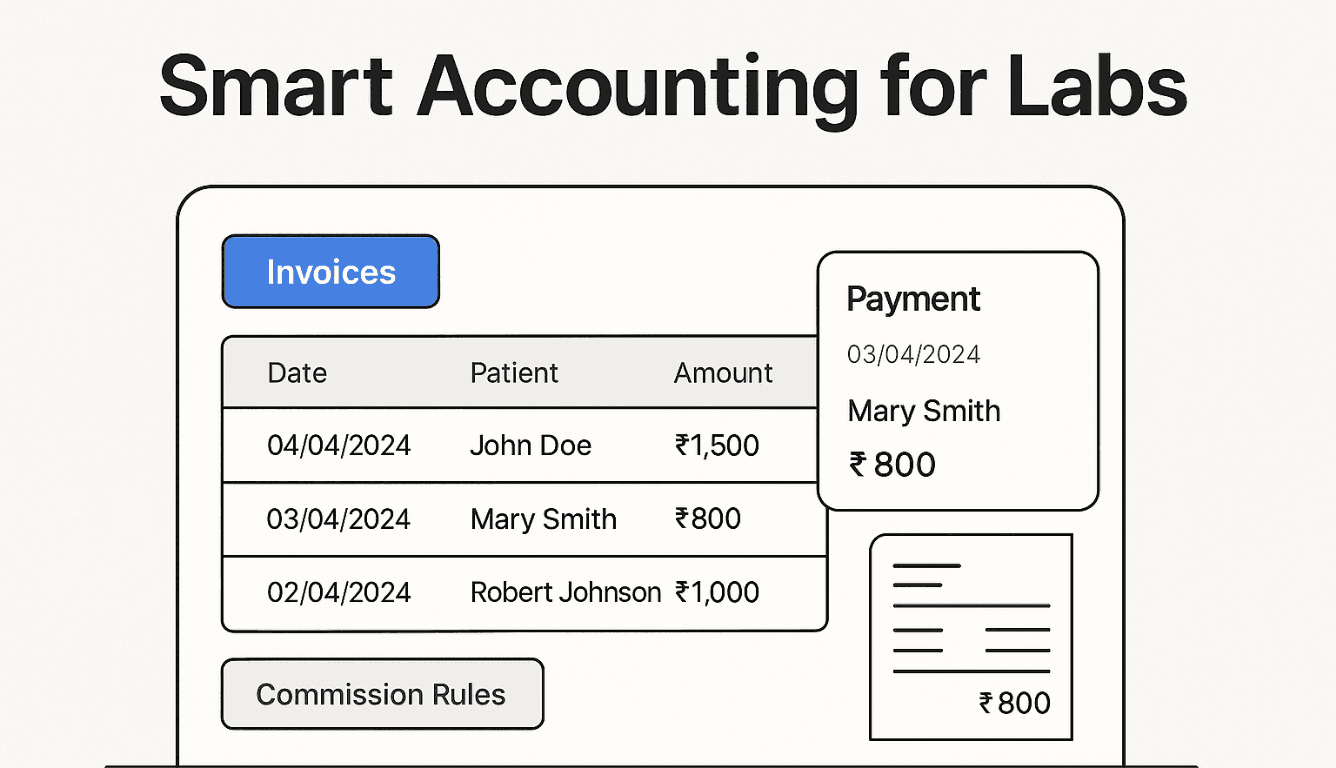
Billing & accounts
Track booking payments and maintain accounting records alongside the diagnostic workflow, so operational and financial information stay connected.
Explore billing & accounts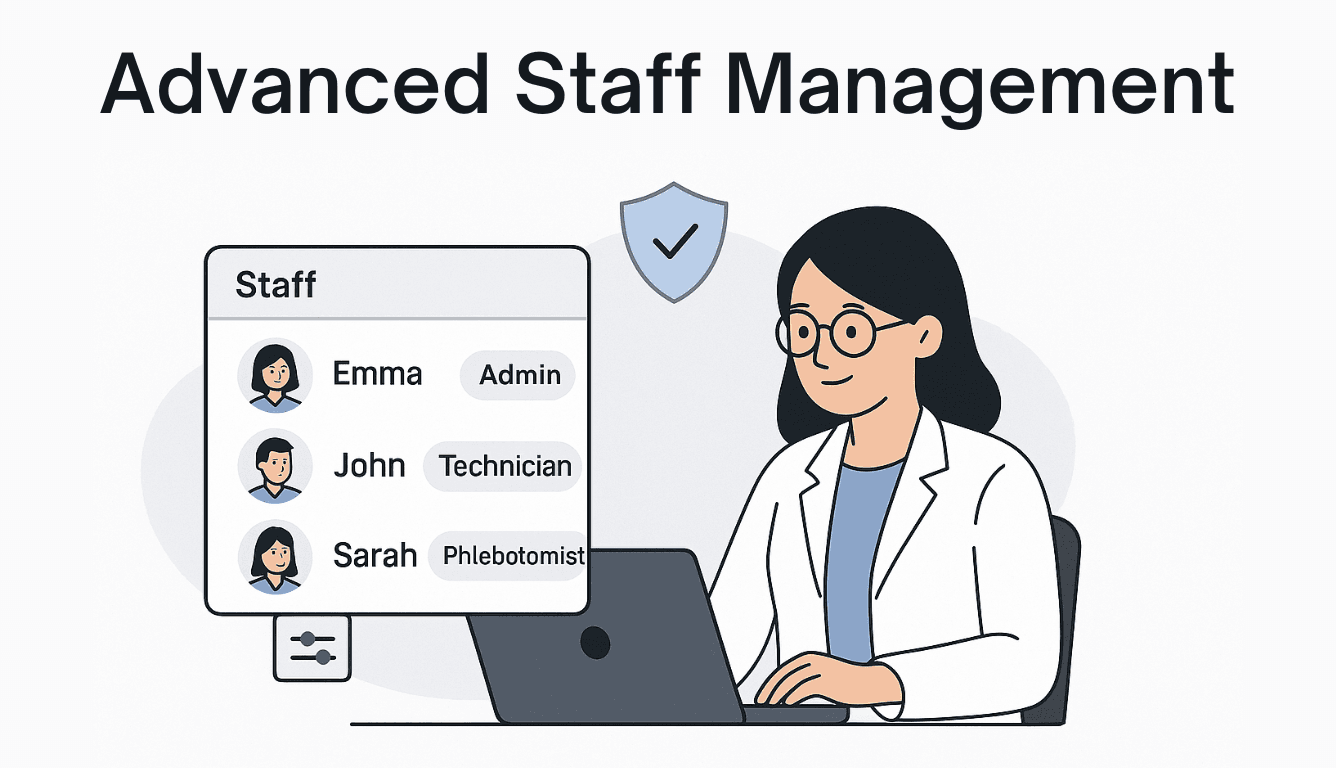
Staff roles & schedules
Organise staff access and schedules around the work each team member performs, from the front desk to testing and reporting.
Explore staff roles & schedules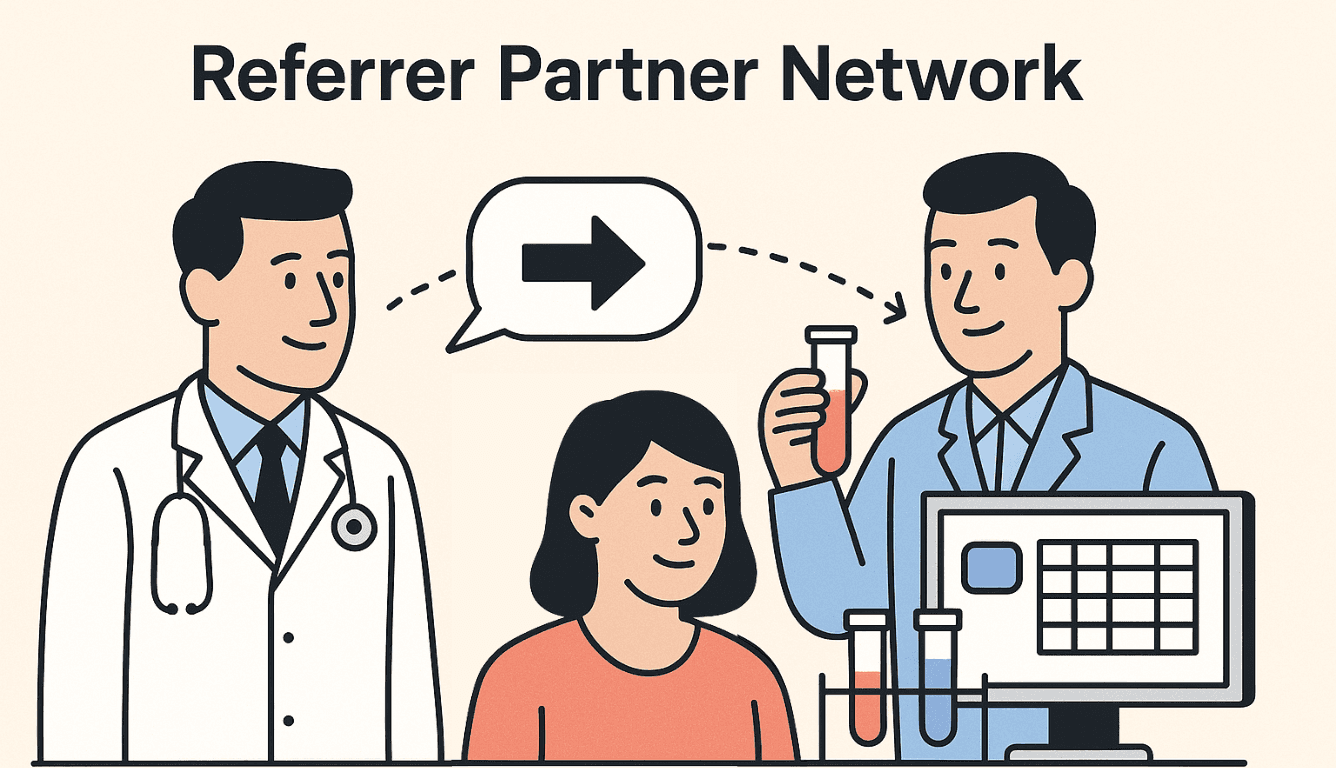
Referrer relationships
Maintain referring doctors and partners, track referral activity and manage related commissions and payment records.
Explore referrer relationships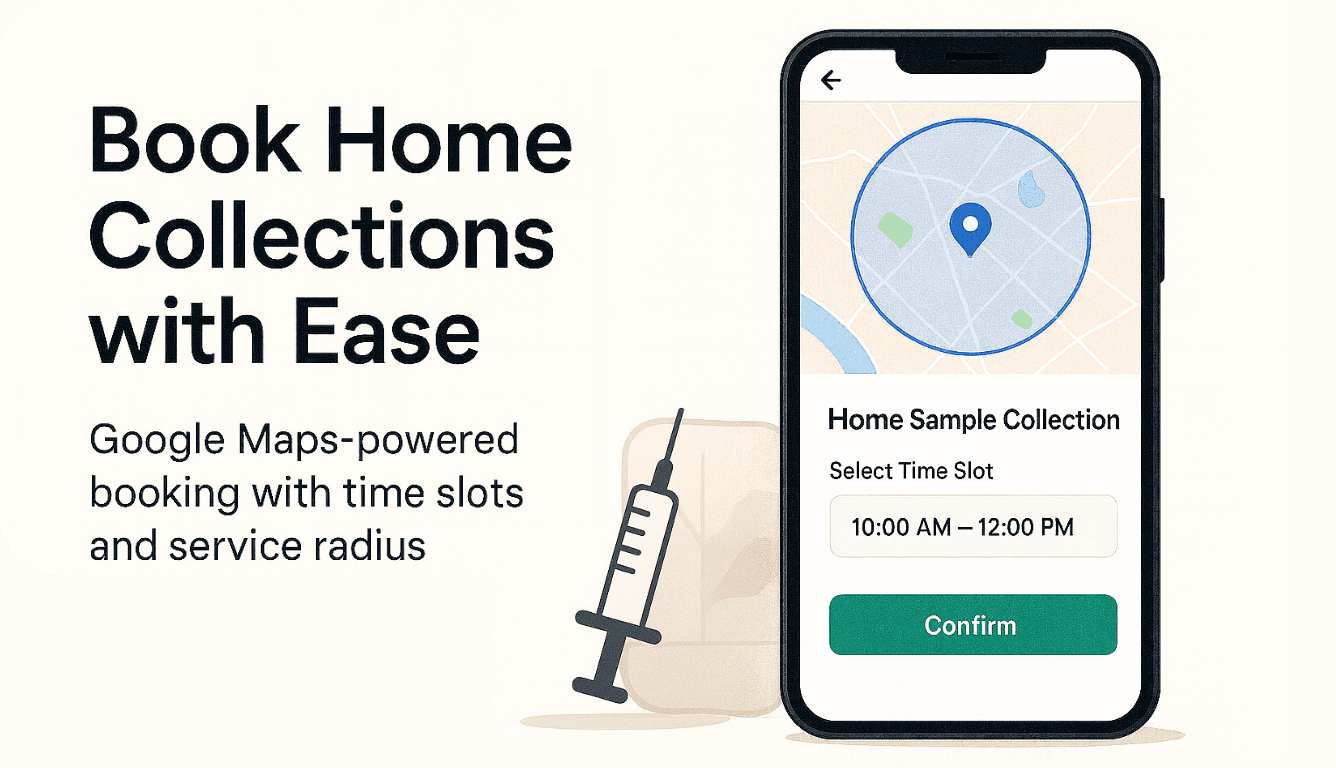
Home collection coordination
Configure service coverage and collection slots to coordinate sample collection outside the facility, where your team offers that service.
Explore home collection coordination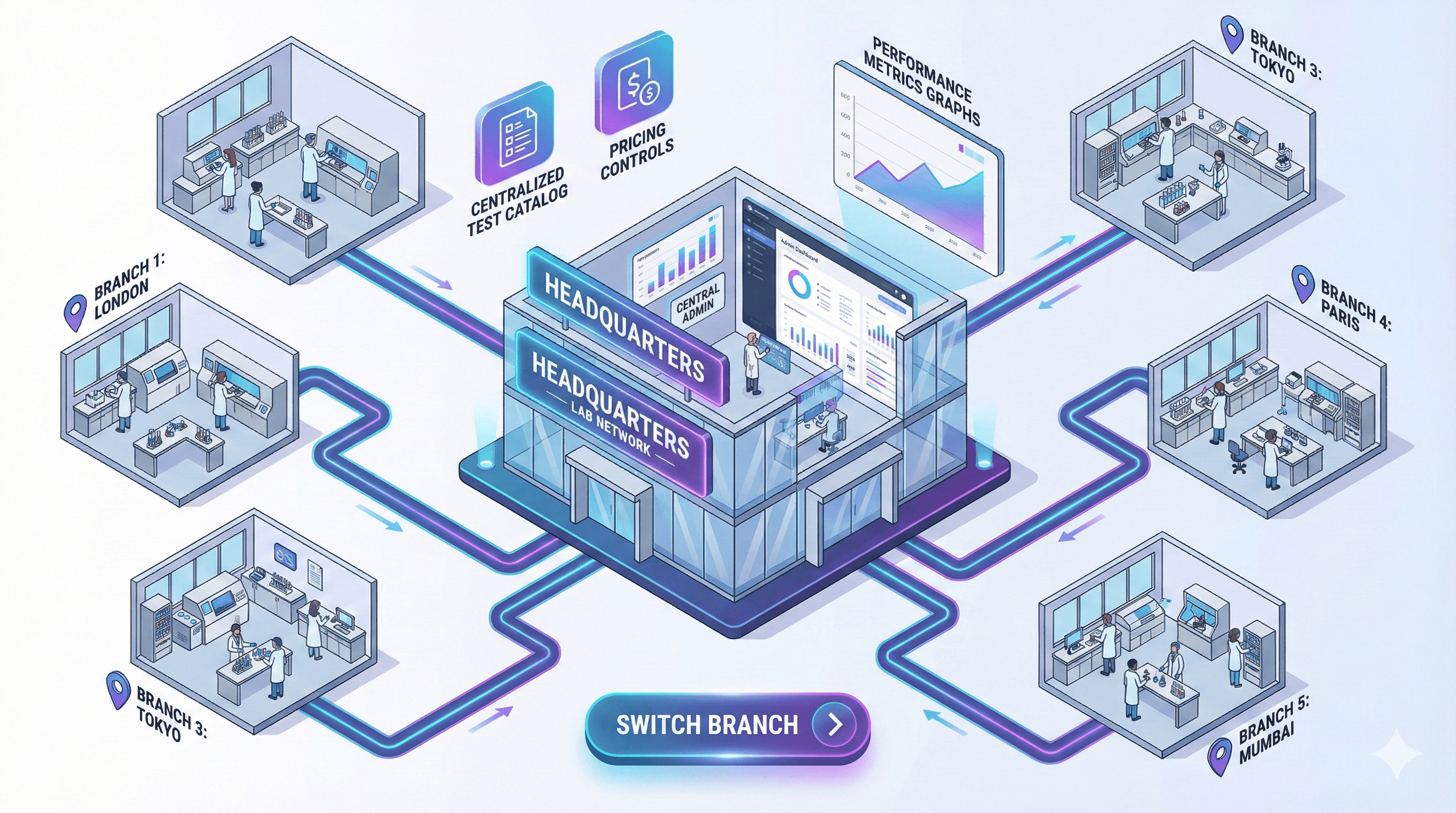
Multiple branches
Bring branch operations into a shared platform as your organisation grows, with workflows for managing facilities and their teams.
Explore multiple branches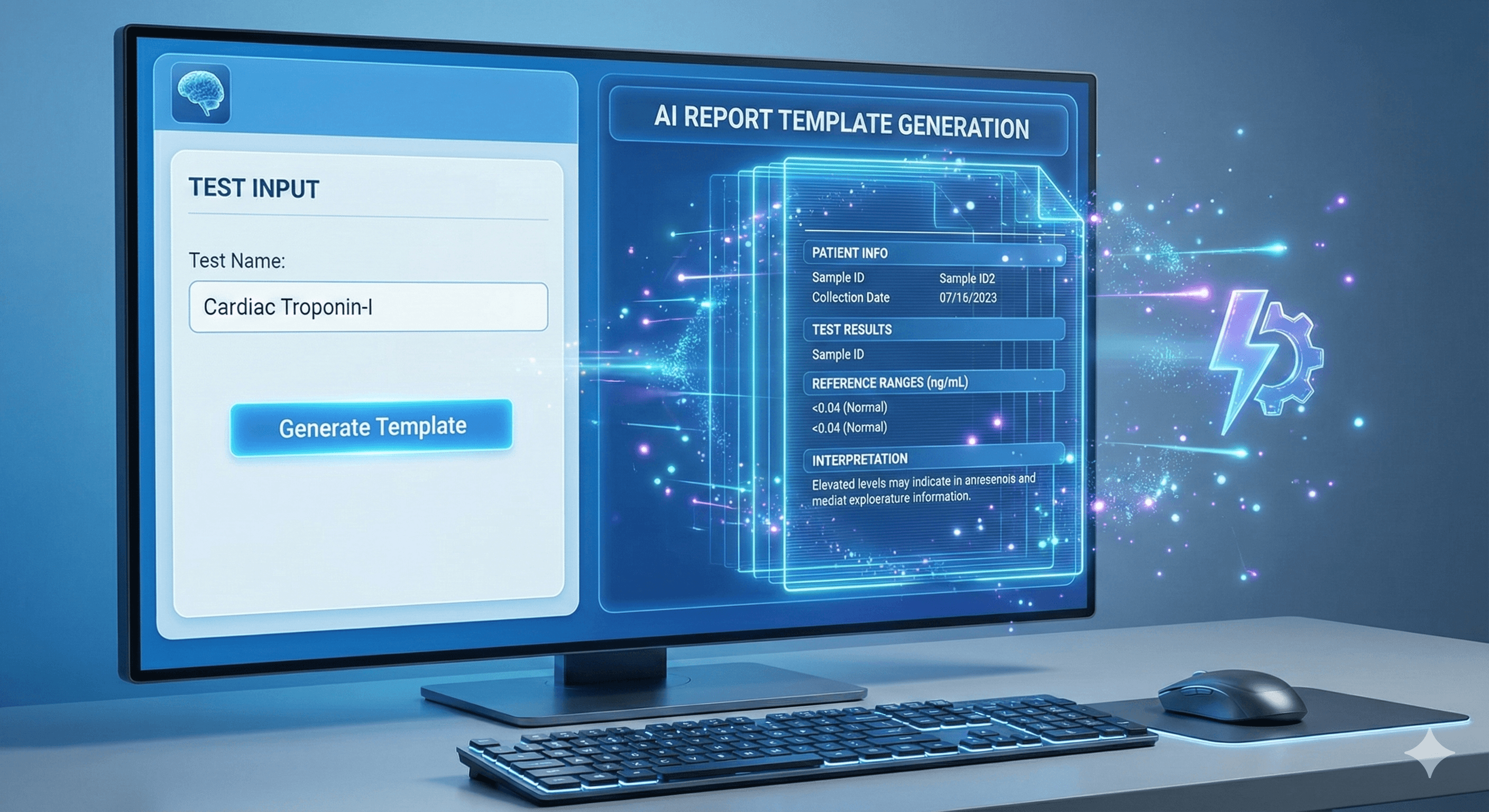
AI-assisted report templates
Create draft report templates with AI assistance, then review fields, units and ranges before using them in your reporting workflow.
Explore ai-assisted report templatesTeleradiology & tele-ultrasound
From the scan room to remote review.
Connect your facility with radiologists through DICOM studies, live ultrasound sessions and recorded scans for later review.
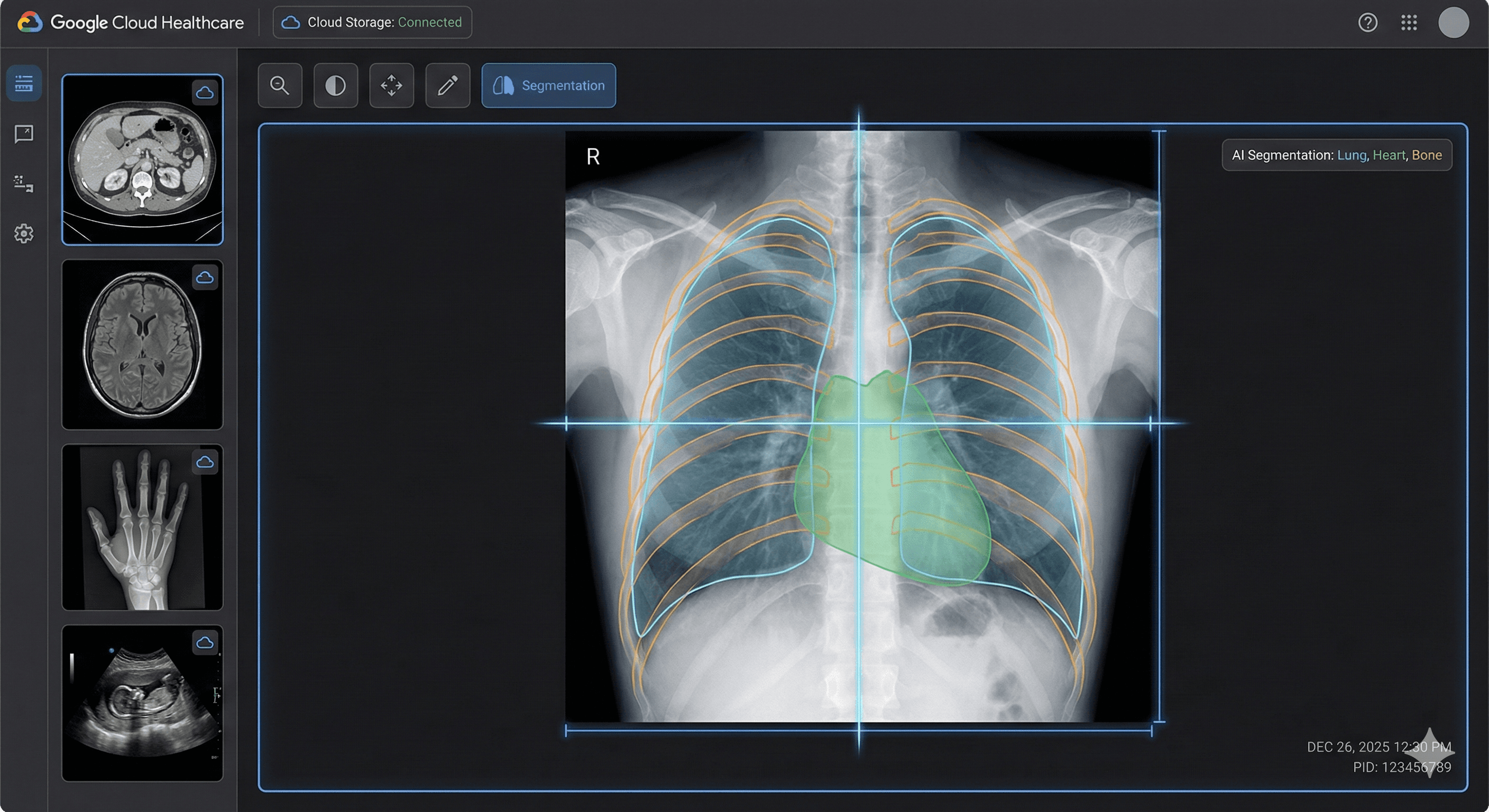
DICOM studies
Upload, view and share imaging studies, with links to lab bookings and reporting workflows.
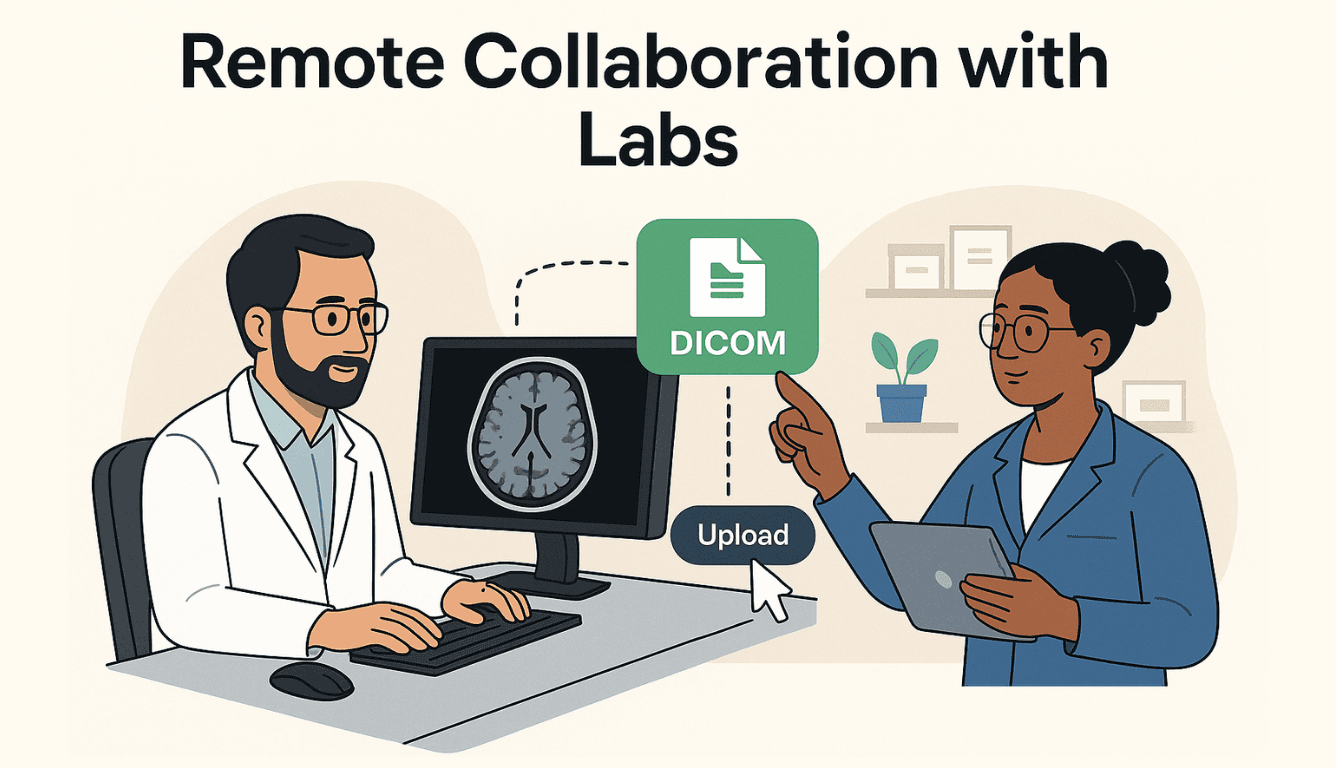
Live tele-ultrasound
Bring the technician and remote radiologist into a live ultrasound session.
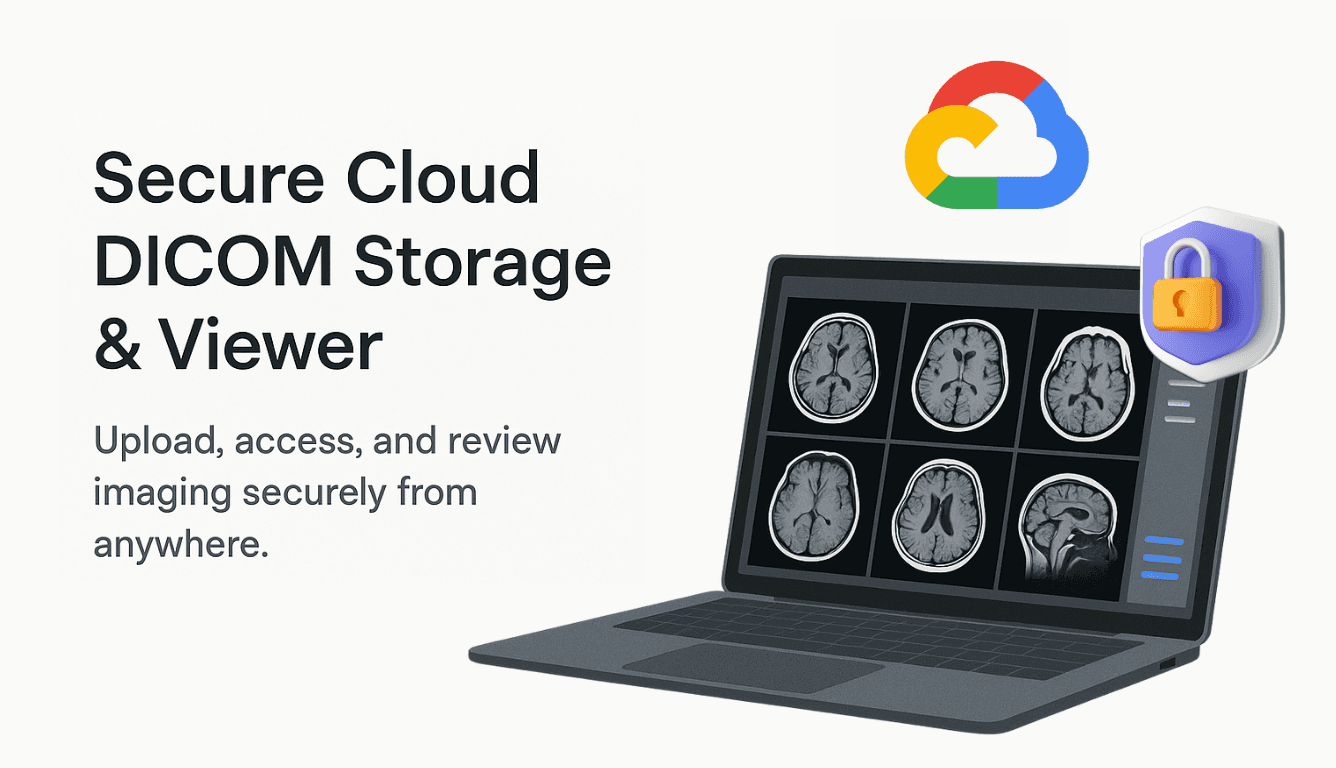
Stored ultrasound sessions
Capture clips and still images for review after the scan, within the session retention window.


Genuine ABDM Integration. Not Just “ABDM Ready.”
For facilities in India, connect to ABDM with identity, consent, structured laboratory reports, and secure sharing built into the care journey.
ABDM integrationFHIR-readyDHIS incentive ready
Booking in seconds
Aadhaar-assisted identity means less repetitive demographic entry.
ExploreM1 · M2 · M3
Identity, consent, and health information exchange in one flow.
ExploreABDM certified ready
Structured records and FHIR-ready laboratory reporting.
ExploreDHIS incentives
Operational visibility for digital health program participation.
ExploreFollow a visit from booking to report.
- 01
Register & book
Create the patient booking, select tests and keep visit details together.
- 02
Collect & capture
Identify samples with barcodes and capture imaging studies for the requested examination.
- 03
Review & prepare
Bring test results or imaging into the reporting workflow for your clinical team to review.
- 04
Deliver & reconcile
Share the completed report through supported delivery channels and track booking payments.
Set up around the way your team works.
Map your services
Start with your facilities, test catalogue, report formats and staff responsibilities. Discuss existing records and migration needs with our team.
Connect your workflow
Review analyzer compatibility, imaging setup and patient communication requirements. Configure the workflows relevant to your diagnostic services.
Prepare your team
Walk through bookings, sample handling, report preparation and delivery before introducing the platform into daily work.
Questions from teams in India
Which facilities in India use SmartCarePlus?
Life Care Diagnostics in Ghaziabad, Uttar Pradesh; Hans Diagnostic Centre in Ghaziabad, Uttar Pradesh; Hans Diagnostic Centre Unit-2 in Greater Noida, Uttar Pradesh; Sirajdulla Poly Clinic & Nursing Home in Beldanga, West Bengal; The Pathology in Berhampur, Odisha. You can open their public profiles in the facility section above.
Can we use laboratory and imaging workflows together?
Yes. SmartCarePlus includes lab operations alongside DICOM viewing, teleradiology and live or recorded tele-ultrasound. Discuss the combination your facility needs during the demo.
Does every listed facility use every feature?
The facilities above show our presence. The feature sections describe platform capabilities; each facility’s setup and services may differ. Visit a facility’s profile for its public service information.
How does ABDM fit into the platform?
For facilities in India, SmartCarePlus includes ABDM workflows for identity, consent and health information exchange. Explore the ABDM section for the supported integration journey.
Can we move from an existing lab system?
Discuss your current software, test catalogue, report formats and records with our team. Migration planning starts with reviewing what can be imported and how your staff will use the new workflows.
Let’s connect your facility in India.
See bookings, reporting and imaging in a walkthrough tailored to your team’s services.