QR Coded Lab Bookings & Reports — Instant Secure Access
Simplify access to lab bookings and reports with secure QR codes. Patients scan to view results, booking details, and payment information instantly on their smartphones.
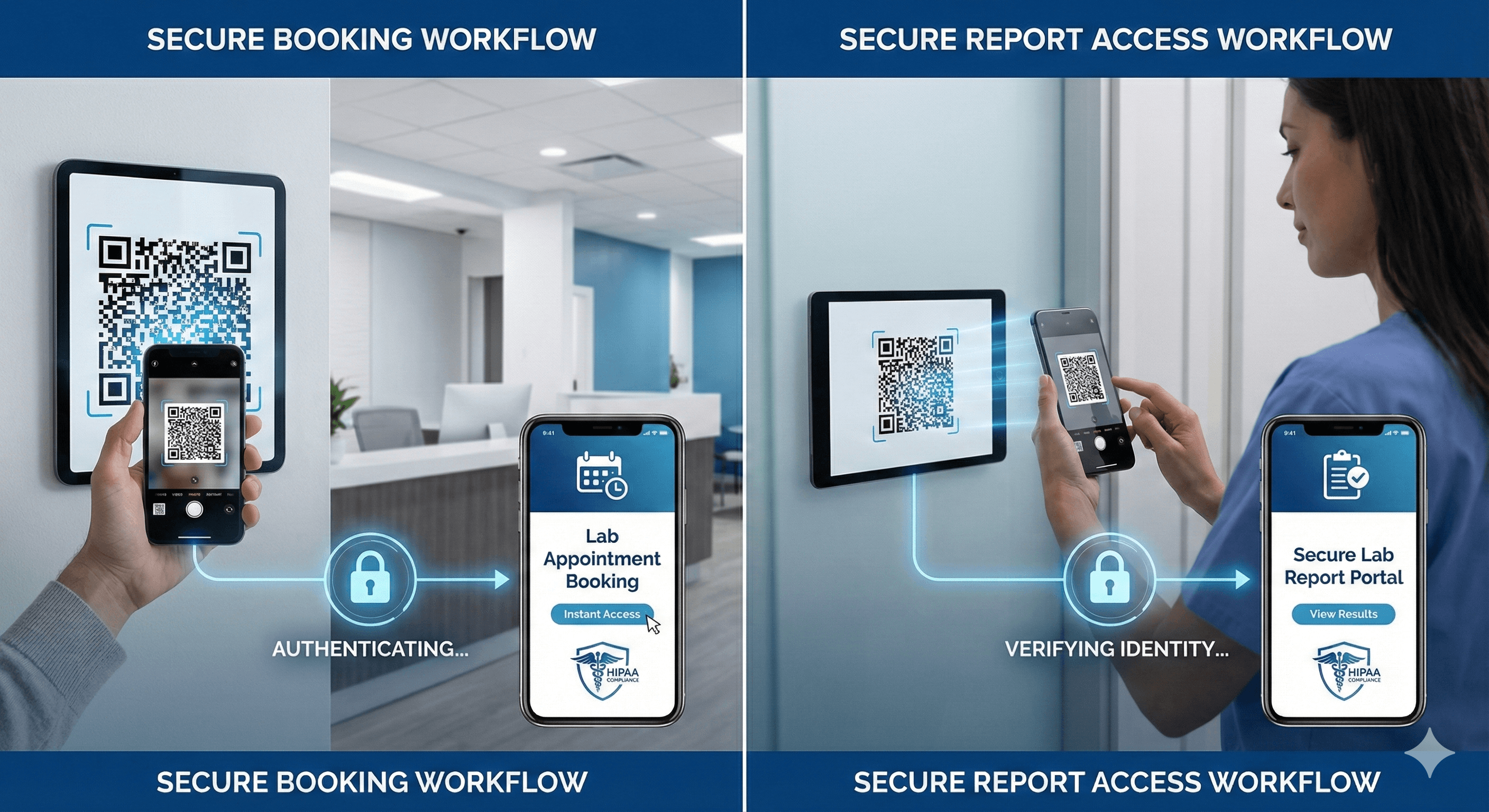
Why QR Code Access Matters
Modern patients expect instant, paperless access to their lab information
Time-consuming access processes
Patients must visit the lab or remember complex URLs and login credentials
Paper-based report delivery
Physical reports can be lost, damaged, or difficult to share with doctors
Security concerns with SMS/email links
Simple links in messages can be intercepted or accessed by unauthorized parties
Difficulty verifying authenticity
Patients can't easily verify if digital reports are genuine or tampered
How It Works
Simple scan-to-access workflow
Generate unique QR code for each booking/report
SmartCarePlus automatically creates a secure, unique QR code for every booking and report
Print QR code on receipts or reports
QR codes are added to printed booking receipts, sample labels, and report covers
Patient scans QR code with smartphone
Using any smartphone camera, patients scan the QR code without needing special apps
Secure page opens with booking/report details
Encrypted page loads instantly showing booking information, test results, or payment details
Download, share, or print digital version
Patients can download PDFs, share via WhatsApp with doctors, or print from any device
Key Benefits
Modern access method that patients love
Access Speed
One scan provides immediate access
Security
Secure HTTPS pages with access controls
Convenience
Works with built-in camera apps
Environment
Reduces paper waste significantly
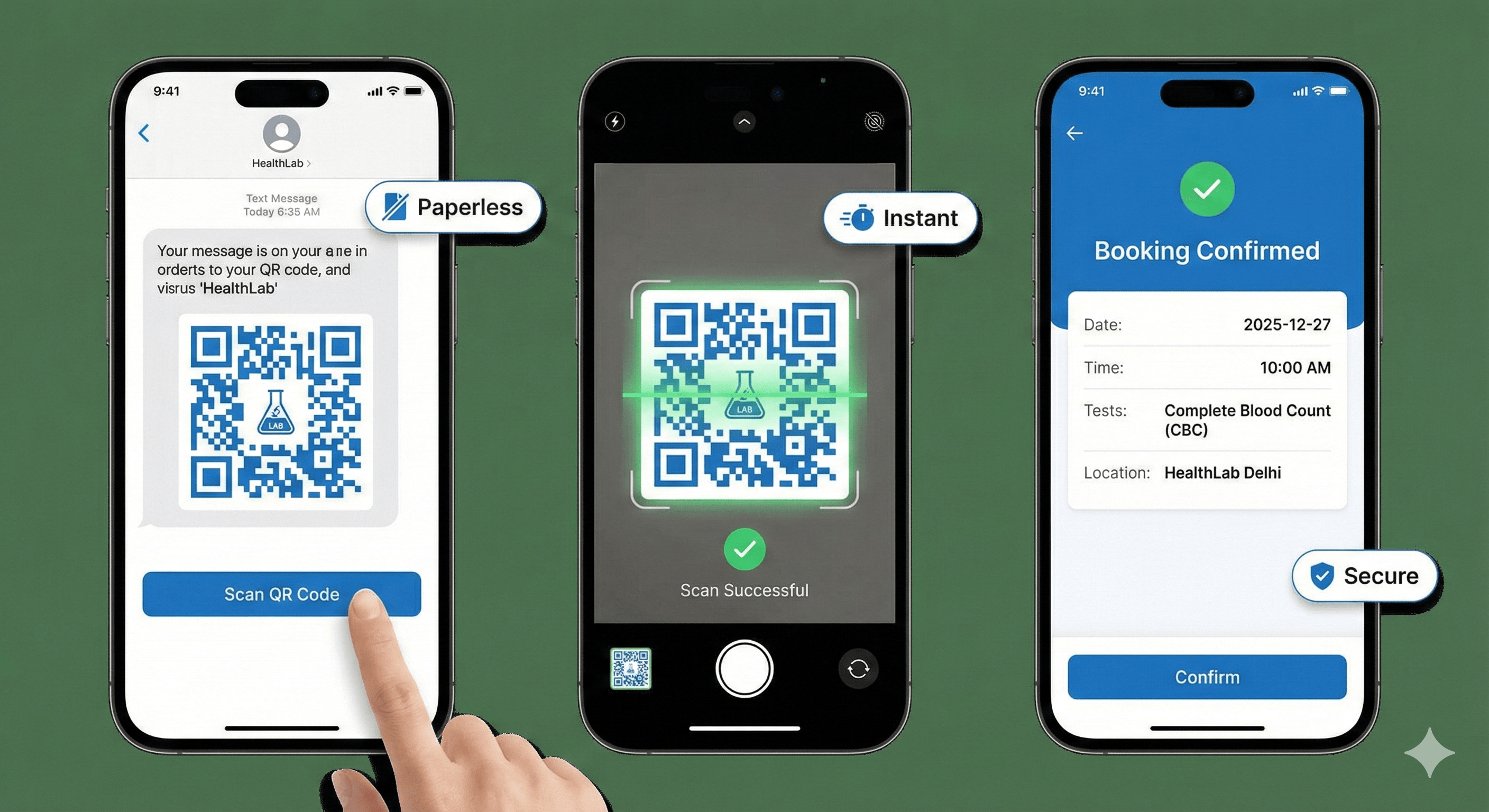
Booking QR Codes
Every booking gets a unique QR code printed on the receipt. Patients can scan this code anytime to view booking details, payment status, scheduled time, test list, and sample collection status. No need to remember booking IDs or login credentials.
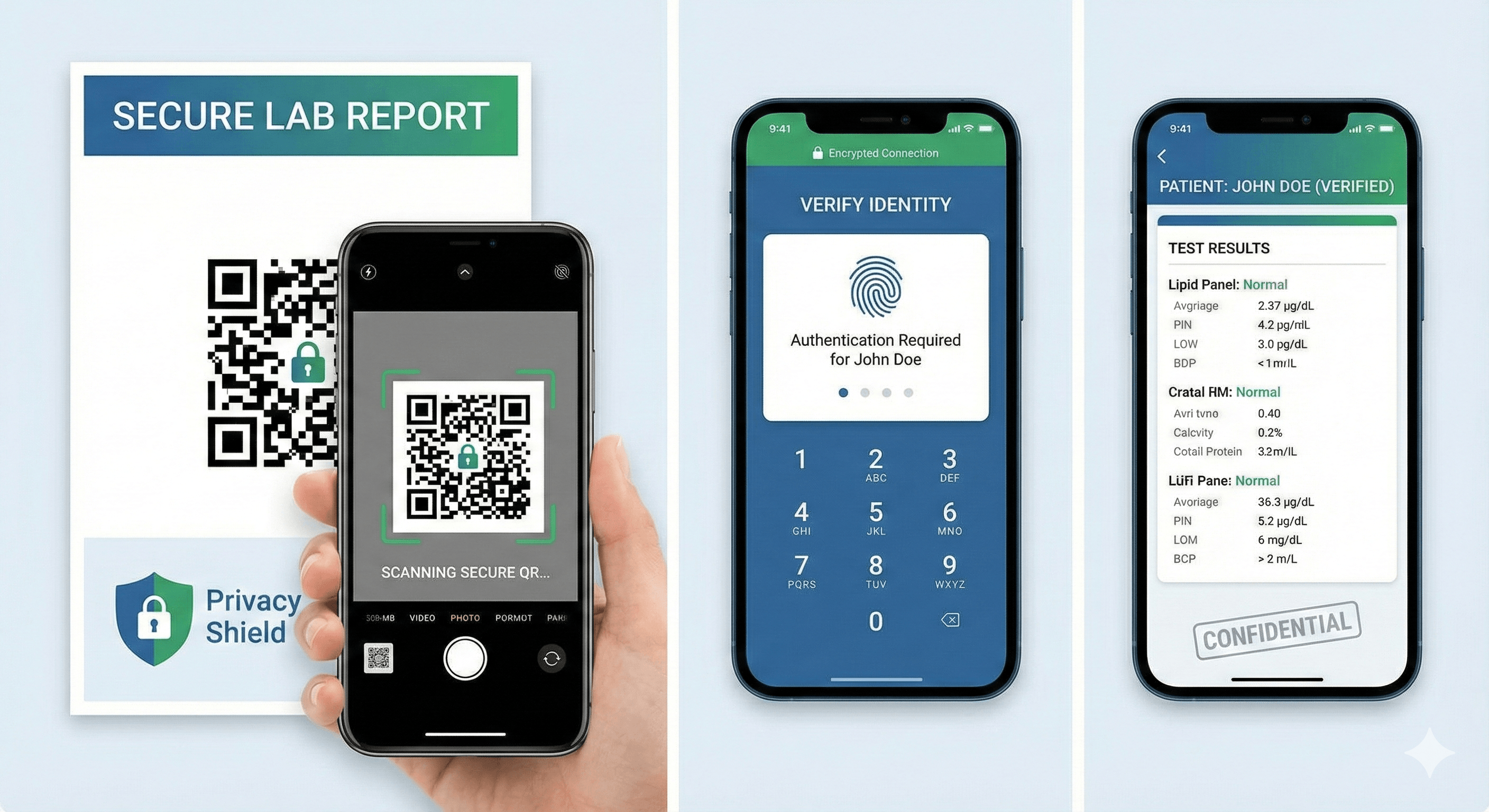
Report QR Codes
Lab reports include QR codes that link to secure digital versions. Patients can scan to download PDFs, share with doctors via WhatsApp or email, and access historical reports. The digital version includes all test results with proper formatting and lab signatures.
Frequently Asked Questions
Common questions about QR coded access
How secure are QR coded reports and bookings?
Each QR code is uniquely generated and can include security features like expiration dates, one-time access, or password protection. The codes link to encrypted HTTPS pages, ensuring patient data remains secure and compliant with HIPAA regulations.
Do patients need to install any app to scan QR codes?
No! Modern smartphones have built-in QR code scanners in their camera apps. Patients simply point their camera at the QR code, and it opens directly in their web browser. No app installation required.
Can QR codes be printed on physical documents?
Yes! QR codes can be printed on booking receipts, sample collection forms, and report covers. Patients can scan these printed QR codes to access digital versions, payment details, or complete lab information.
Ready to Go Paperless with QR Codes?
Experience instant, secure access to lab bookings and reports