Switch From Excel / Legacy LIS to Modern Cloud Lab Software
Easy data migration from Excel or legacy LIS systems with full support, training resources, and minimal downtime. Smooth transition to modern cloud-based lab management.
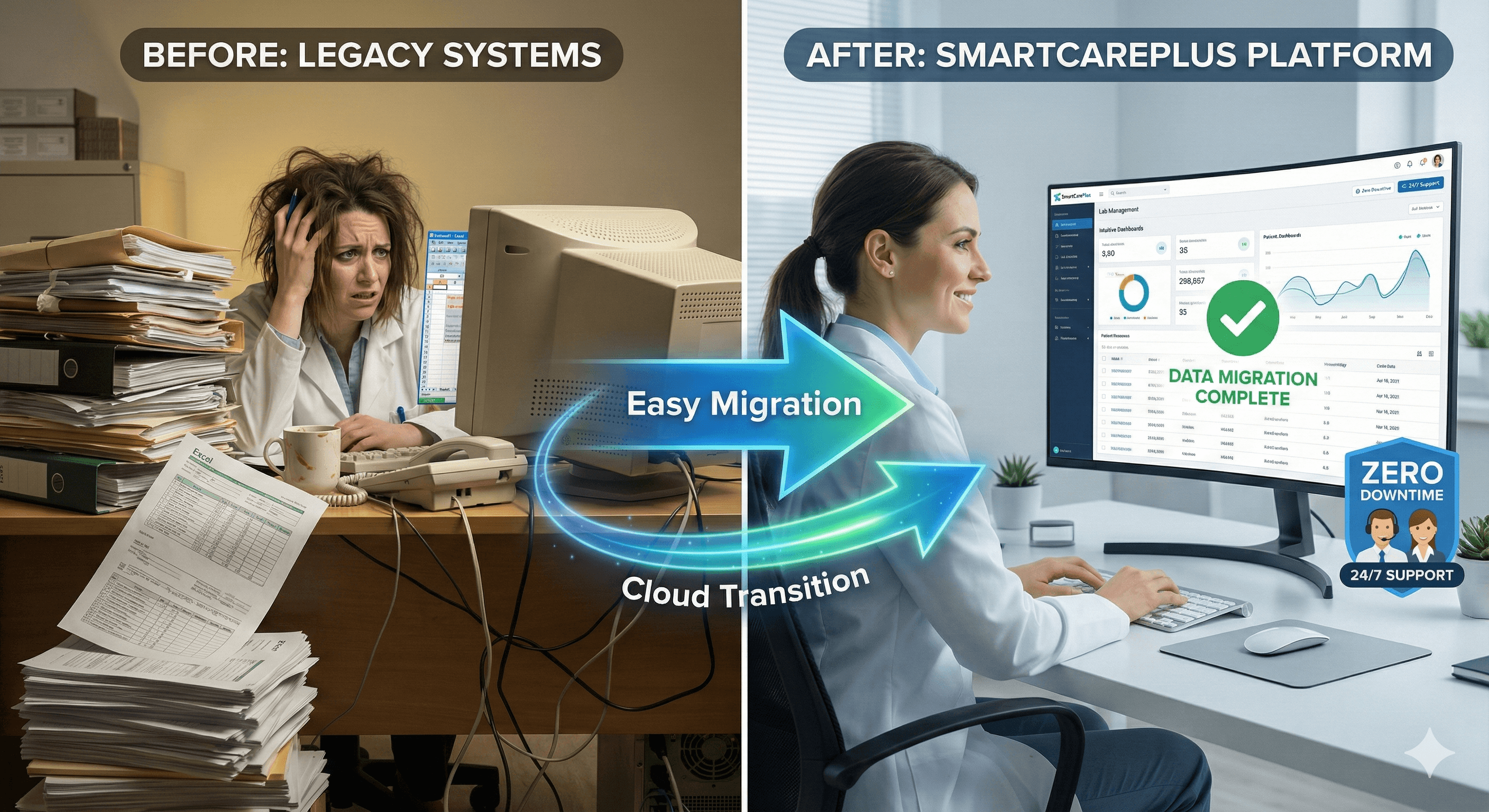
Why Migrate From Excel/Legacy Systems
Excel and legacy systems limit your lab's growth potential
Excel limitations and errors
Manual data entry leads to errors, version conflicts, and data loss
Legacy system constraints
Old LIS systems lack modern features and can't scale with your growth
Limited accessibility
Desktop-only systems prevent remote work and mobile access
Poor support and updates
Legacy vendors often provide minimal support and infrequent updates
How Migration Works
Smooth, supported transition with minimal disruption
Data export from current system
Export patient records, test data, and billing information from Excel or legacy LIS
Data validation and migration
Our team imports and validates your data, ensuring accuracy and completeness
System configuration
Set up SmartCarePlus with your tests, staff, and workflows
Staff training
Comprehensive training sessions and resources for your team
Go live with support
Launch with full support to ensure smooth operations from day one
Key Benefits
Hassle-free migration with full support
Migration
Simple data import process
Support
Dedicated migration team
Training
Videos, docs, live sessions
Downtime
Quick transition period
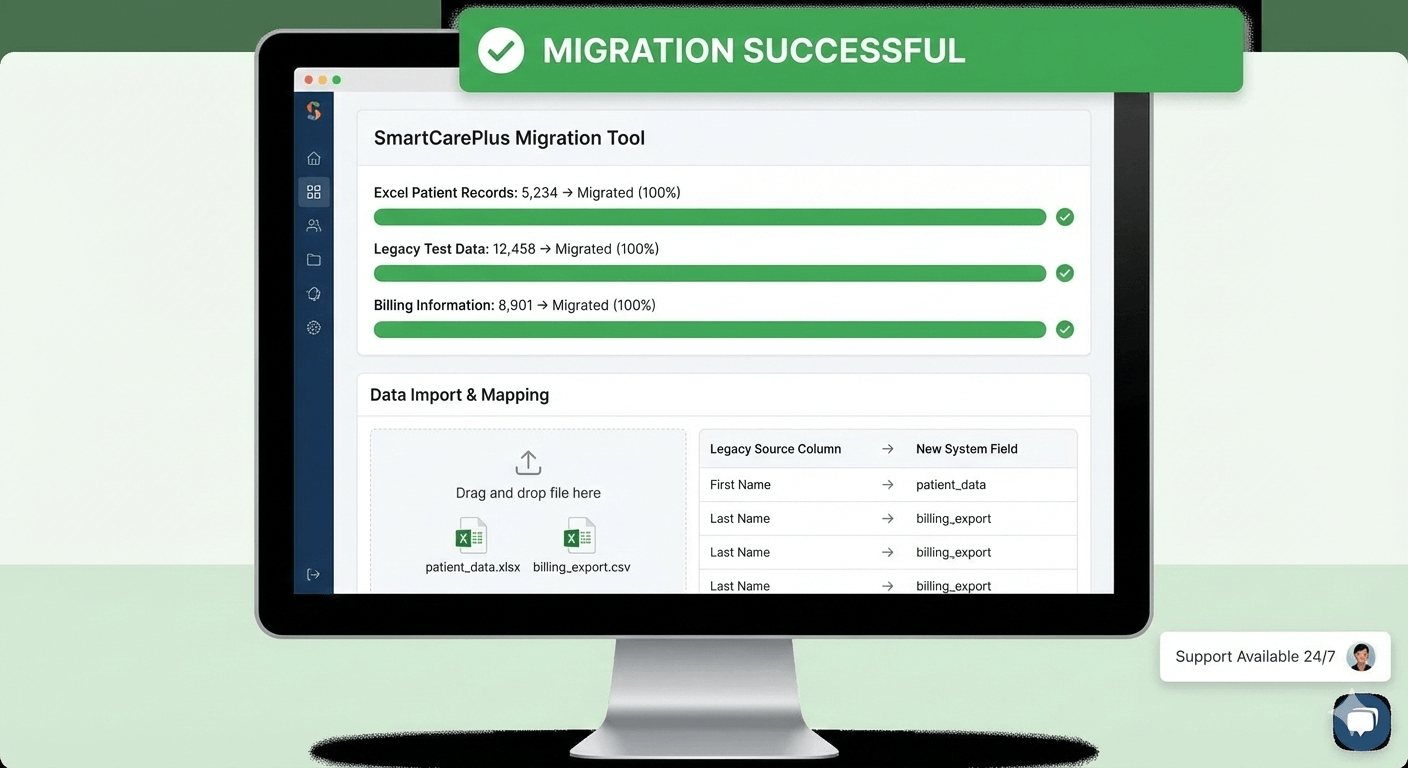
Easy Data Migration Tools
SmartCarePlus provides easy-to-use data migration tools that support Excel spreadsheets and exports from most legacy LIS systems. Our support team assists with data extraction, validation, and import to ensure accuracy.
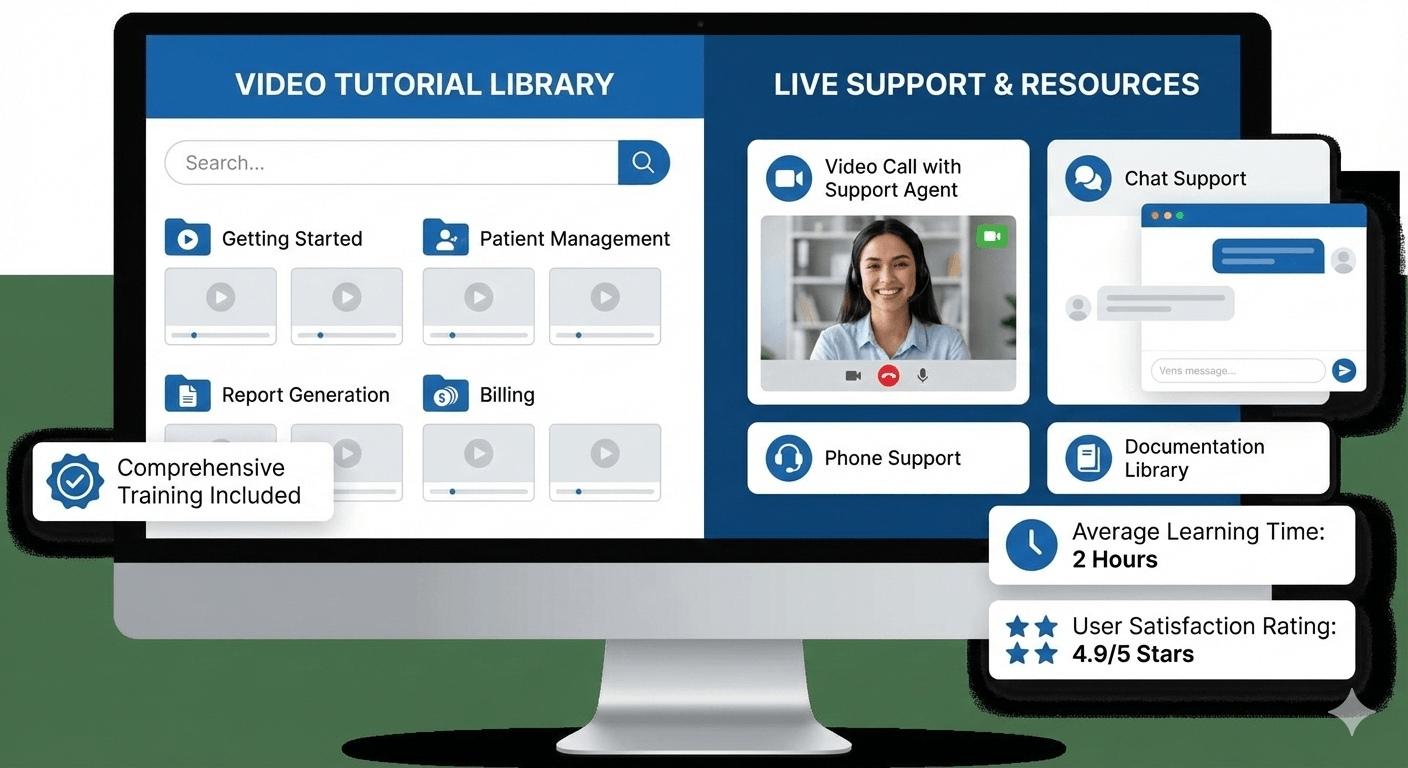
Comprehensive Training & Support
SmartCarePlus provides comprehensive training materials including video tutorials, documentation, and live training sessions. The intuitive interface makes it easy for staff to adapt quickly, minimizing downtime during transition.
Frequently Asked Questions
Common questions about migration
What data formats do you support for migration?
We support Excel spreadsheets (.xlsx, .xls, .csv), as well as exports from most legacy LIS systems. Our support team can work with custom formats and help with data extraction if needed.
How long does migration take?
Most migrations are completed within 1-2 weeks, depending on data volume and complexity. Simple Excel migrations can often be done in a few days. We work with your schedule to minimize disruption.
Will my staff need extensive training?
SmartCarePlus is designed to be intuitive, especially for users familiar with basic software. We provide comprehensive training materials, video tutorials, and live training sessions. Most staff become proficient within a few days.
Ready to Modernize Your Lab?
Experience smooth migration with full support