Workflow 01
Stock review and replenishment
Use current inventory context to guide a pharmacy's purchasing process.
- Stage 1
Review stock information
- Stage 2
Identify a replenishment need
- Stage 3
Create or manage a purchase workflow
For pharmacies
Explore distinct pharmacy workflows for inventory, purchasing, counter sales and inpatient medication supply.
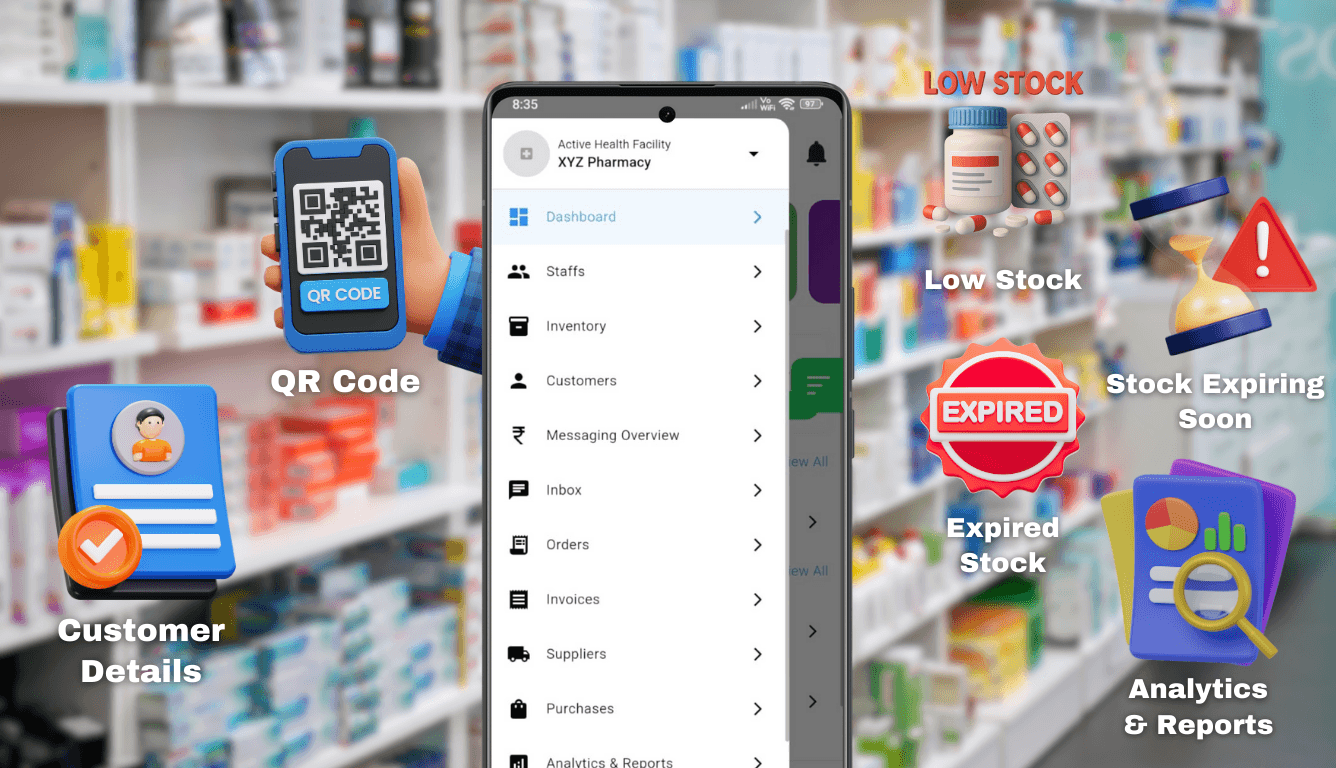
A quick overview
Pharmacy teams balance stock on hand with purchases, counter sales and requests that need fulfilment. SmartCarePlus connects inventory and purchasing with Orders & sales. Counter sales keep their invoice with the order, and inpatient requests connect dispensing to admission billing. The dedicated pages describe the workflow and intended users without implying that one action automatically completes another.
Availability, payment methods and fulfilment steps depend on the pharmacy's configuration and operating process.
Workflows
Each workflow below is a practical route through related capabilities. Exact steps and availability depend on the configured product and operating process.
Workflow 01
Use current inventory context to guide a pharmacy's purchasing process.
Review stock information
Identify a replenishment need
Create or manage a purchase workflow
Workflow 02
Coordinate supply purchasing and record stock according to the pharmacy process.
Prepare the purchase
Receive and verify items
Update inventory records
Workflow 03
Record a point-of-sale transaction through the configured pharmacy process.
Select items for the sale
Review quantities and charges
Complete the configured payment and sale record
Workflow 04
Treat incoming requests, review and fulfilment as separate steps.
Receive and review the order
Confirm availability and applicable details
Follow the pharmacy's fulfilment process
Explore capabilities
Start with the operational task that matters to your team.
Review the dedicated workflow for pharmacy stock management.
Explore this capabilityExplore the pharmacy purchasing workflow and its place in operations.
Explore this capabilityConnect authorized requests, stock dispensing and admission billing.
Explore this capabilityUnderstand how incoming medicine orders are managed by pharmacy teams.
Explore this capabilityHow it works
Follow the responsibilities, work and handoffs across the roles involved. The exact steps depend on the facility, enabled modules and its operating procedures.
What this walkthrough explains
Who typically starts each stage, what work happens there, and what information or responsibility moves to the next person.
Pharmacy owner or manager
Stage 1 of 5Define the outlet's catalog and operational arrangements so the team can work with the products and processes configured for that pharmacy.
Handoff to the next stage
Configured items and responsibilities guide stock and purchasing work.
Inventory staff
Stage 2 of 5Check the inventory information available to the team and identify items that may need replenishment under the pharmacy's own process.
Handoff to the next stage
A replenishment need can be passed to the purchasing role for review.
Purchasing or finance staff
Stage 3 of 5Use the purchasing workflow to record supply activity and follow the pharmacy's supplier and receiving process.
Handoff to the next stage
Received items are checked before the appropriate inventory update.
Pharmacist or counter staff
Stage 4 of 5Review the selected items, quantities and charges for a counter sale or incoming request. Confirm availability and follow the configured payment and fulfilment process.
Handoff to the next stage
A received request remains distinct from a completed or fulfilled order.
Patient or customer
Stage 5 of 5Use the communication or collection instructions provided by the pharmacy for the particular transaction or order.
Handoff to the next stage
The pharmacy retains responsibility for its configured fulfilment and customer communication.
Who this is for
Common questions
Inventory, purchasing and Orders & sales have dedicated pages. Counter sales use the order and its invoice; inpatient medication supply has a connected clinical workflow.
No. An incoming order and its review or fulfilment are separate actions within the pharmacy's configured process.
Payment and fulfilment options depend on the pharmacy setup and the product configuration in use.
Use cases
See the steps from a patient's medicine request through pharmacy review and fulfilment.
Next step
Share the teams, processes and capabilities you want to discuss. SmartCarePlus can help identify relevant product areas and confirm their current availability.
© Smart Code Junction Infinity Private Limited | CIN: U62099UP2025PTC230480 | All rights reserved. | Built with 💚 in India.